ADAS Dashboard

ADAS Dashboard

Advanced Driver Assistance Systems

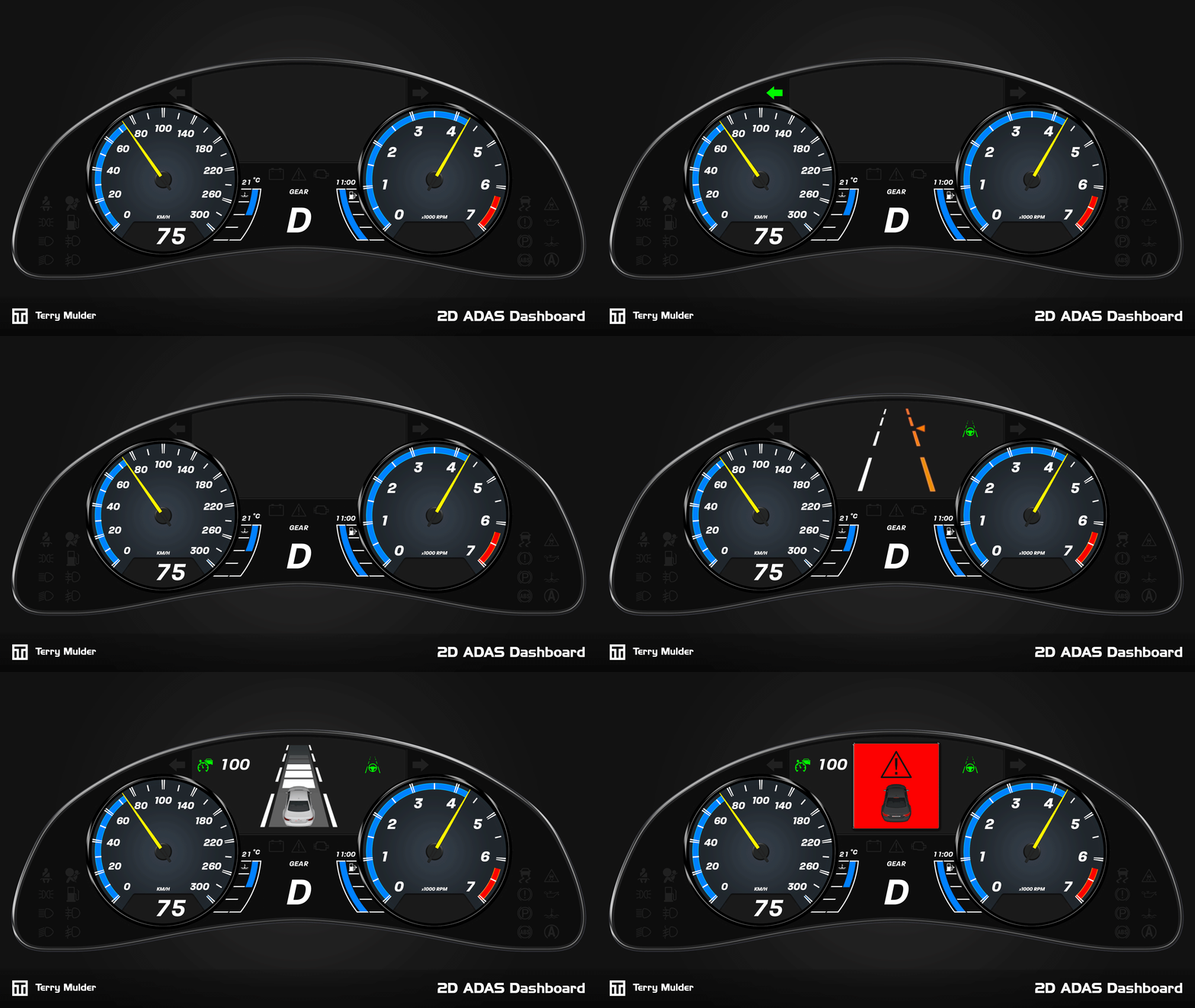
Cruden’s simulators are used across a wide range of automotive R&D applications, including the development and validation of Advanced Driver Assistance Systems (ADAS).

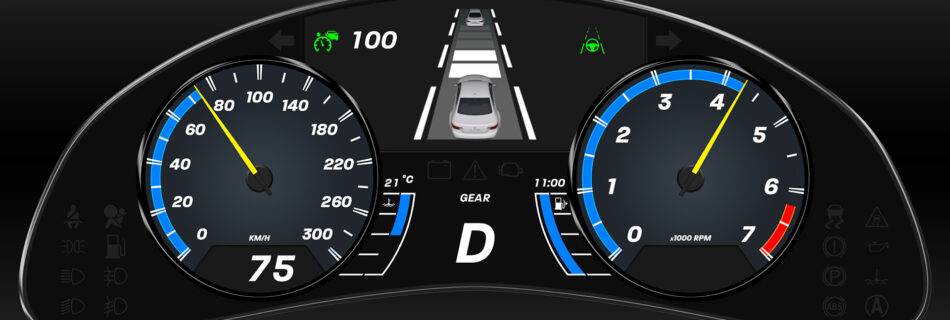
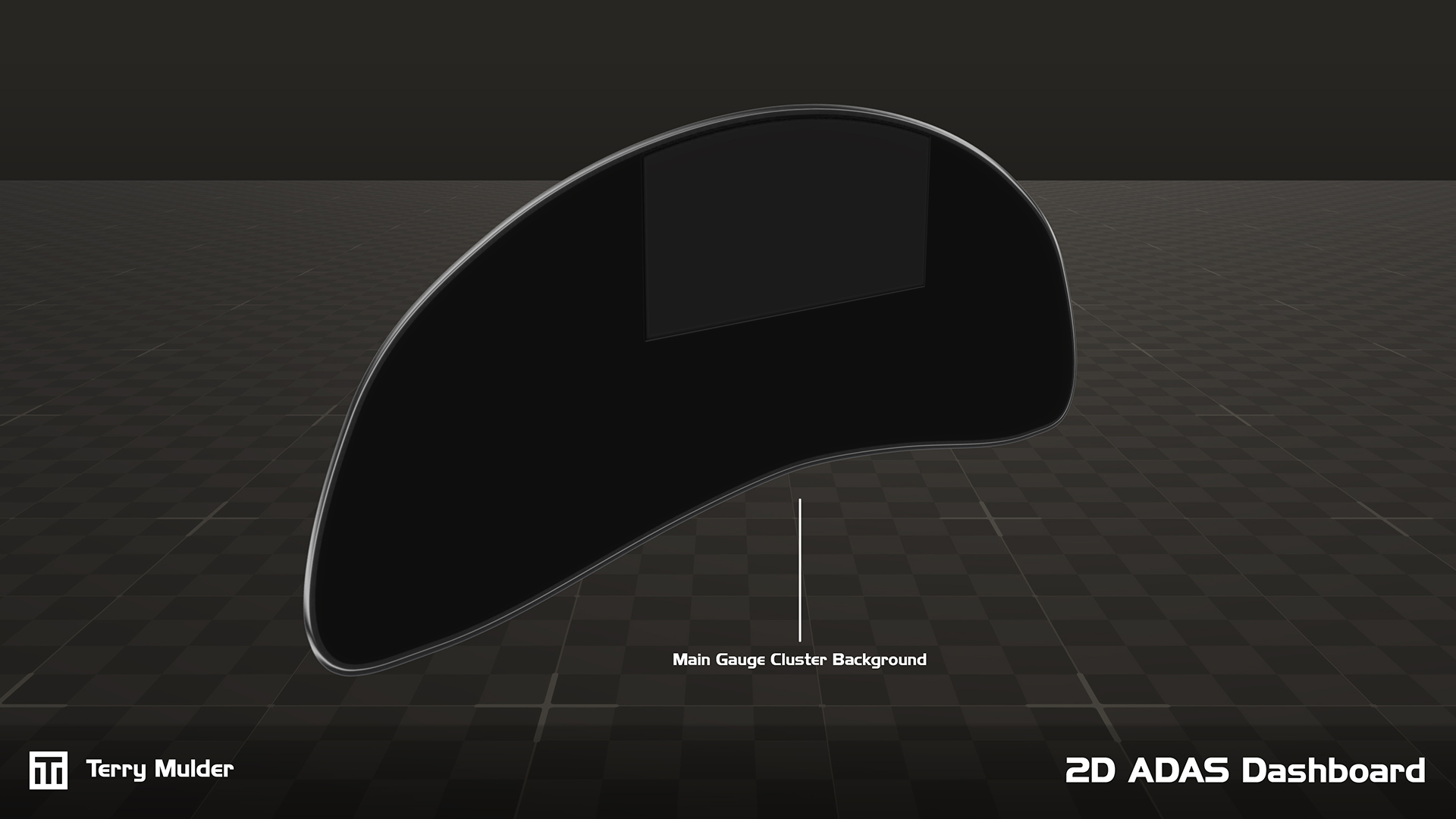
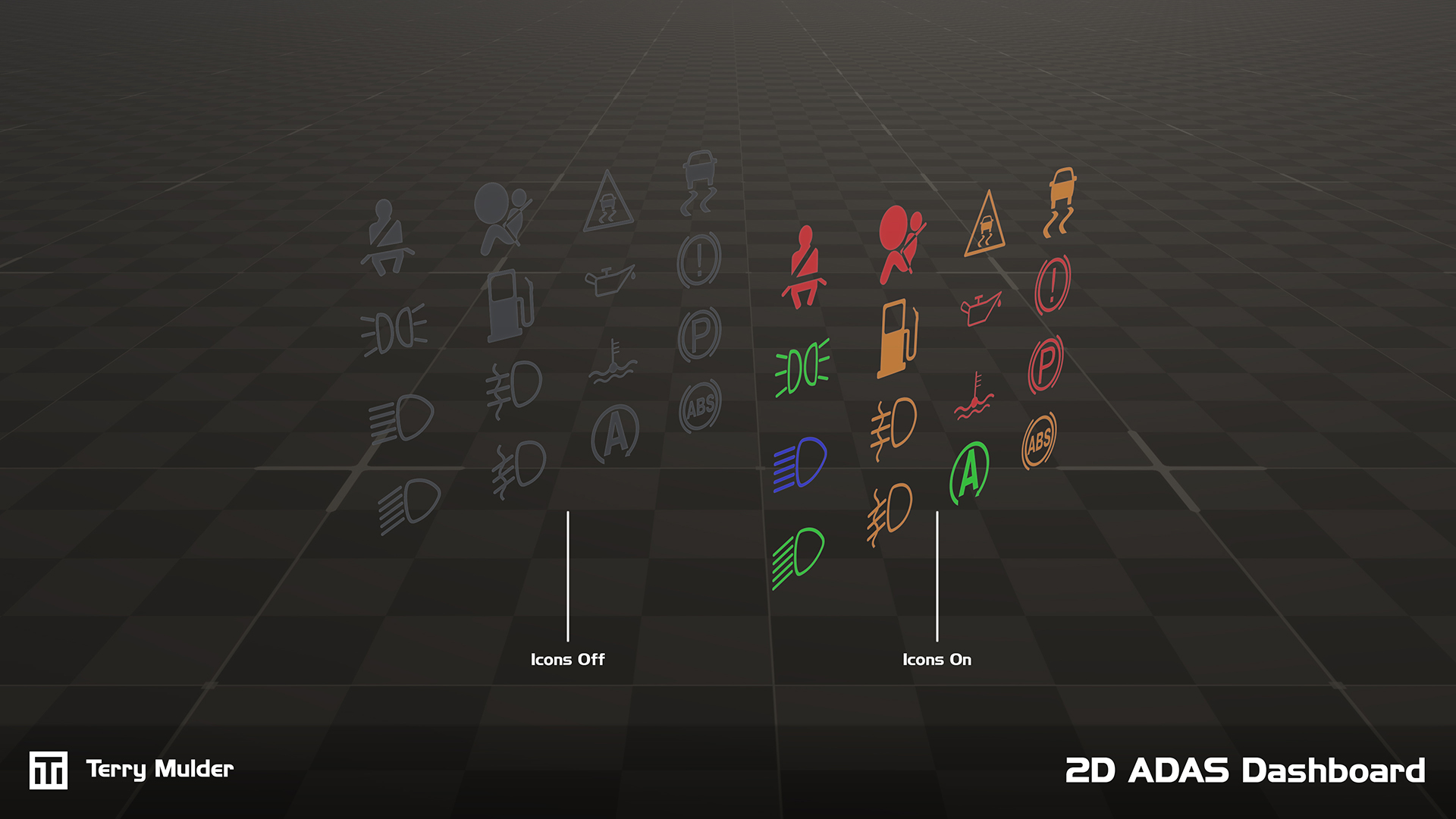
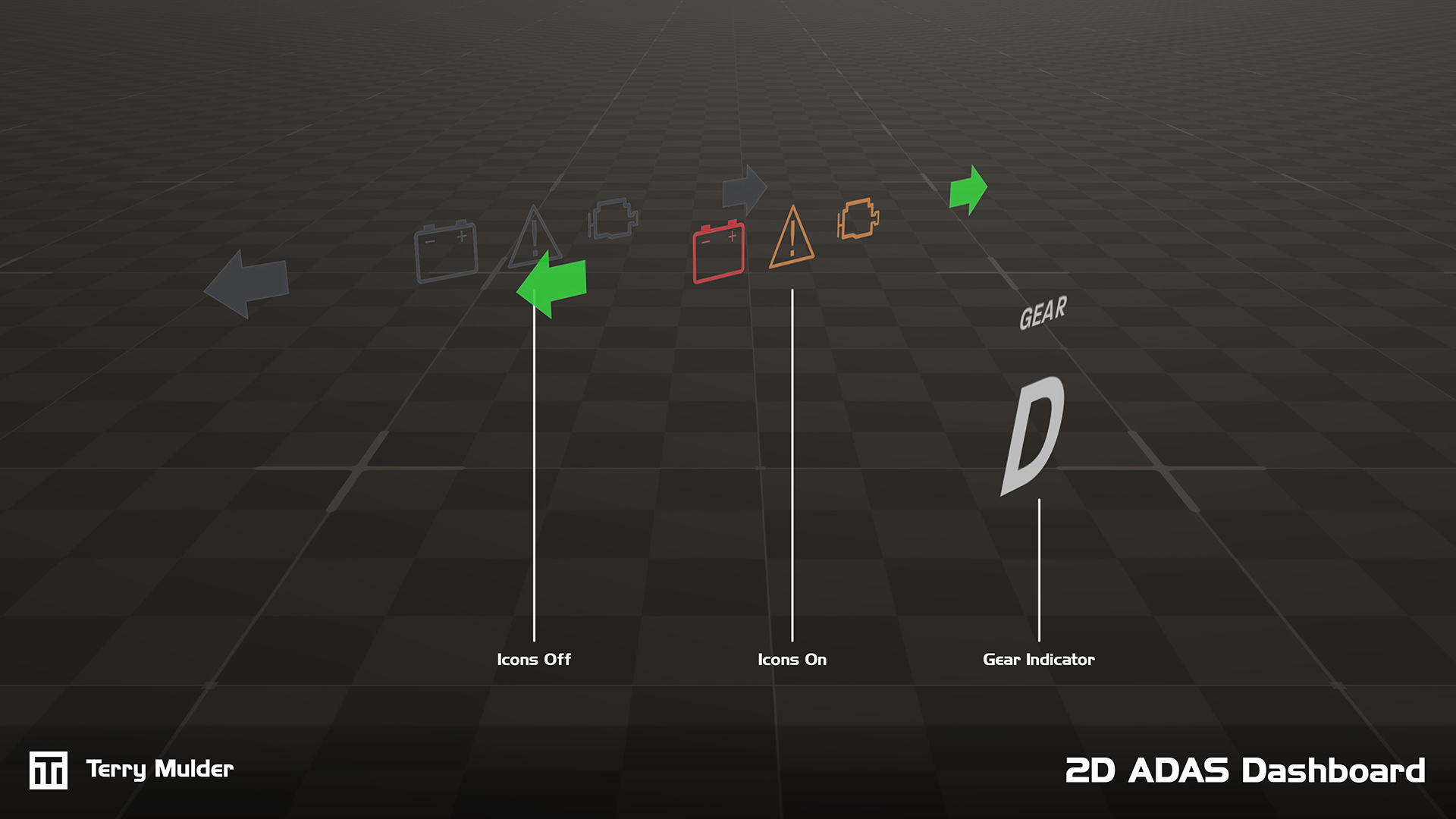
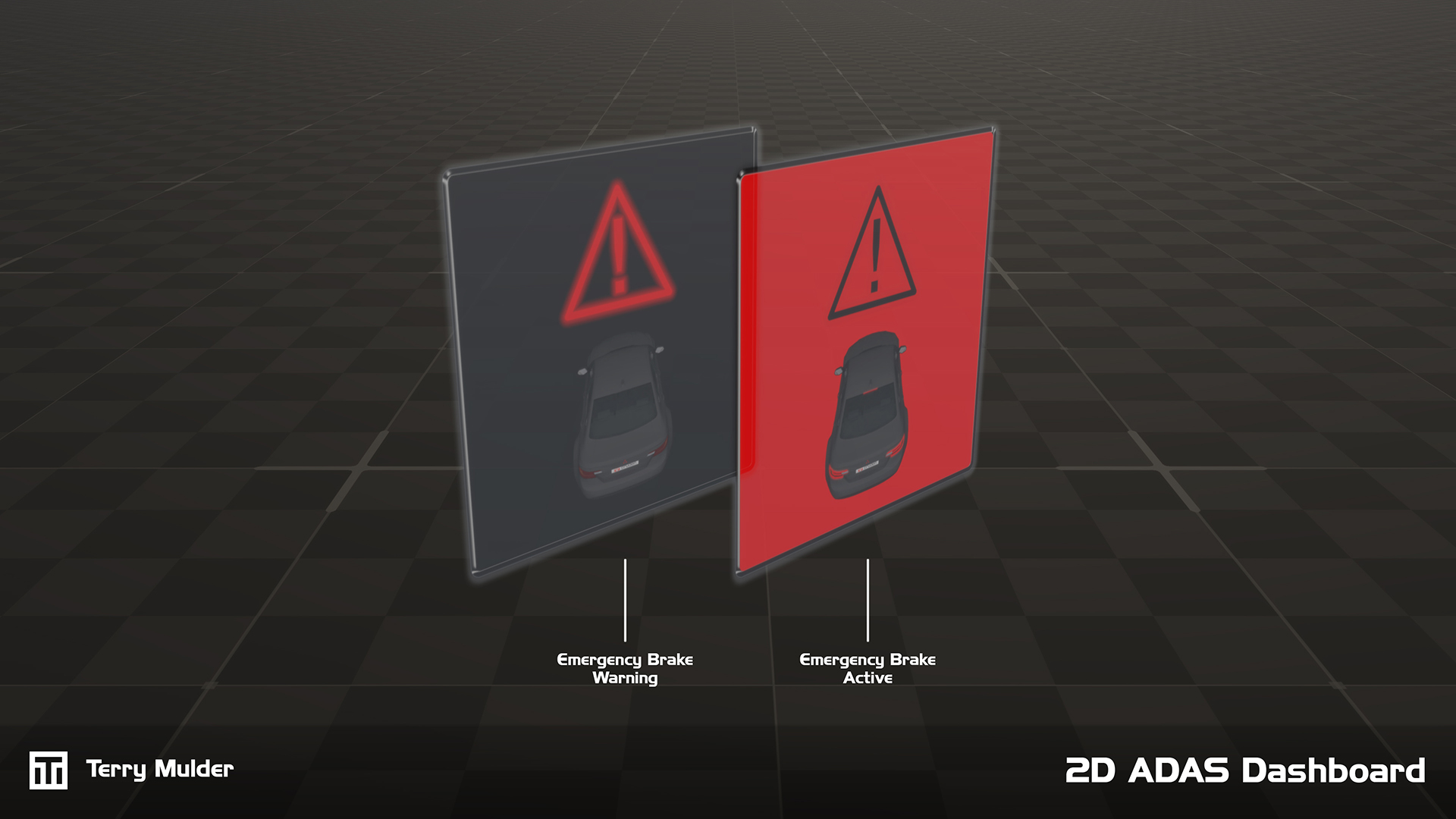
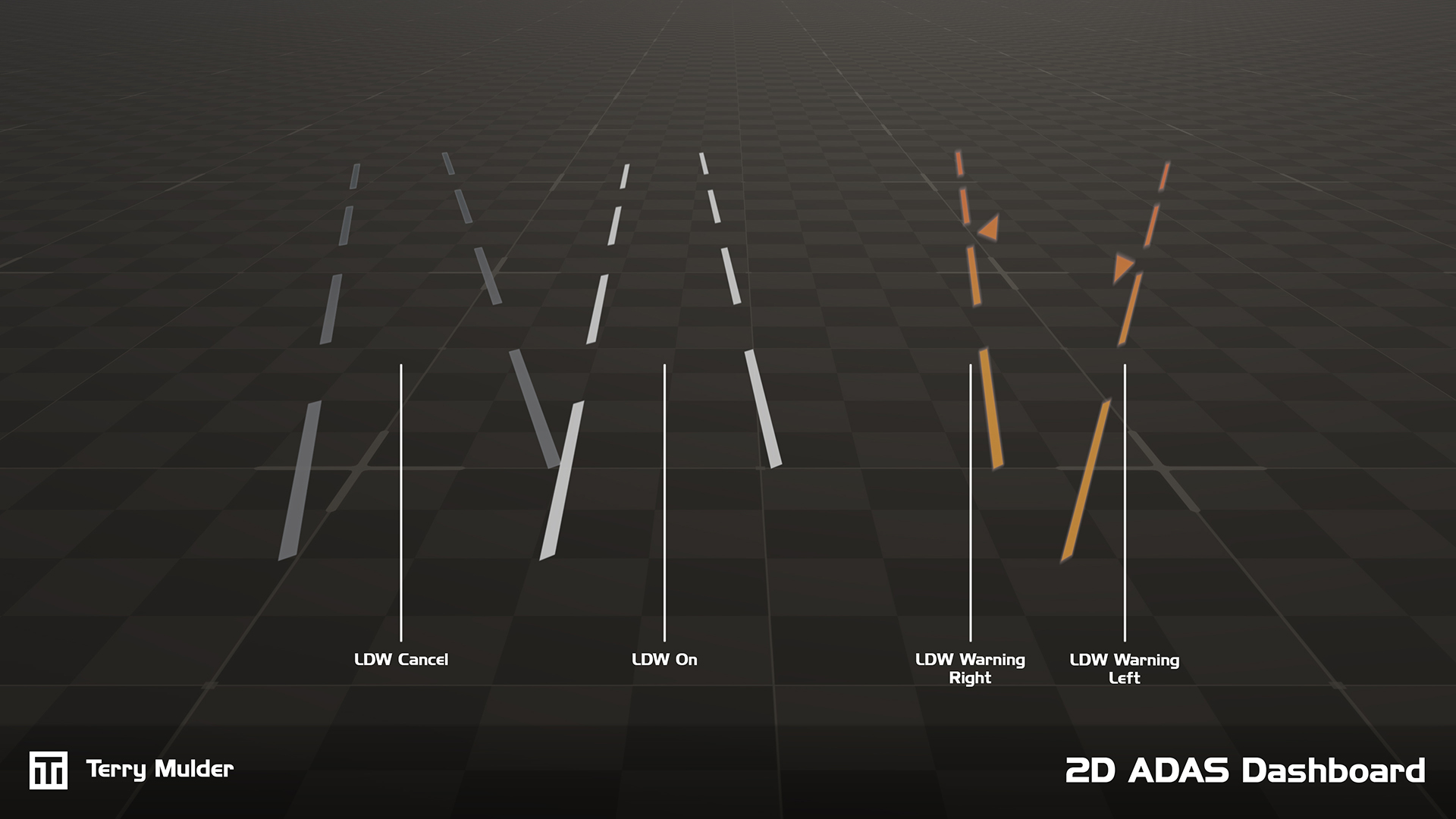
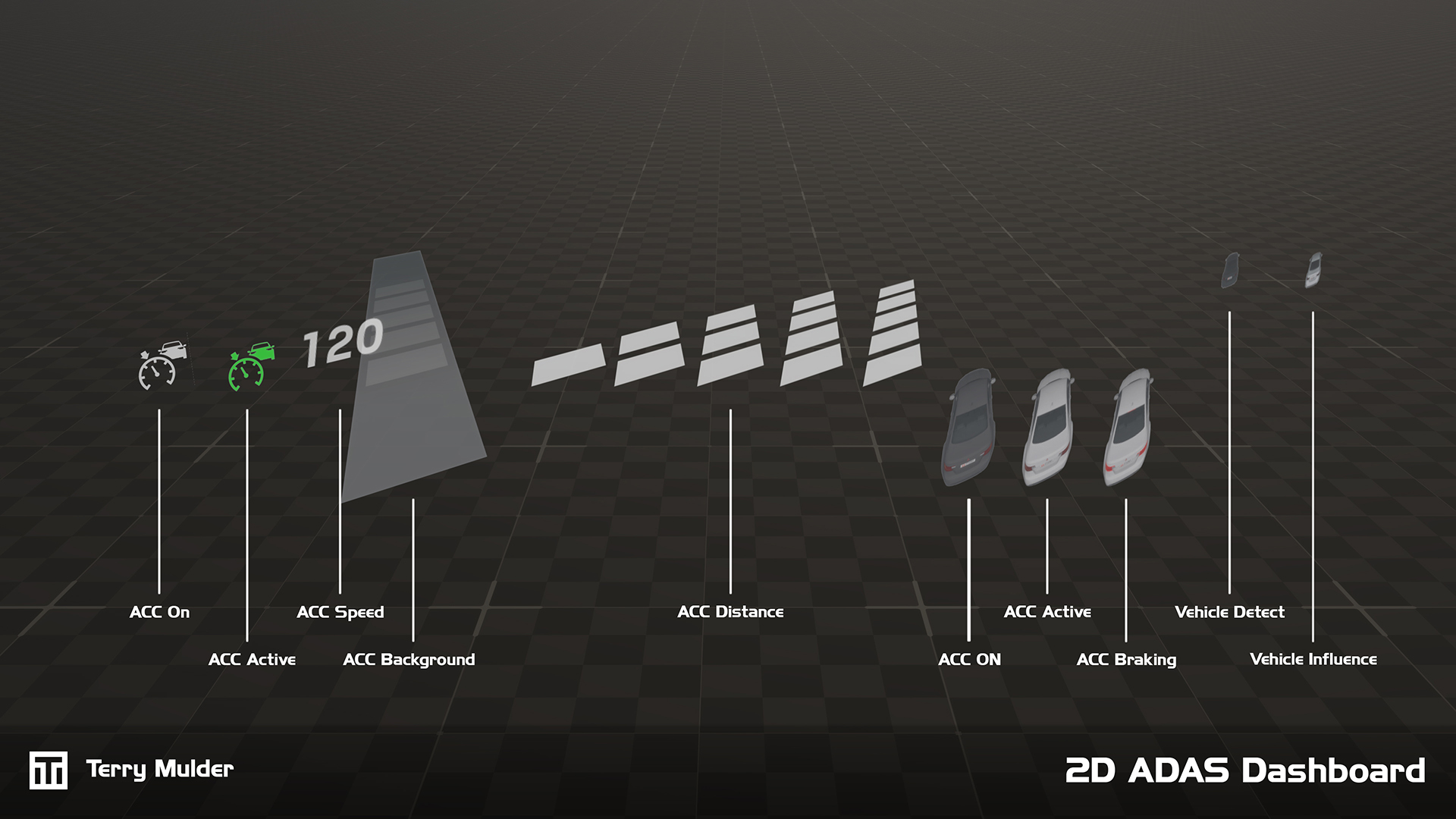
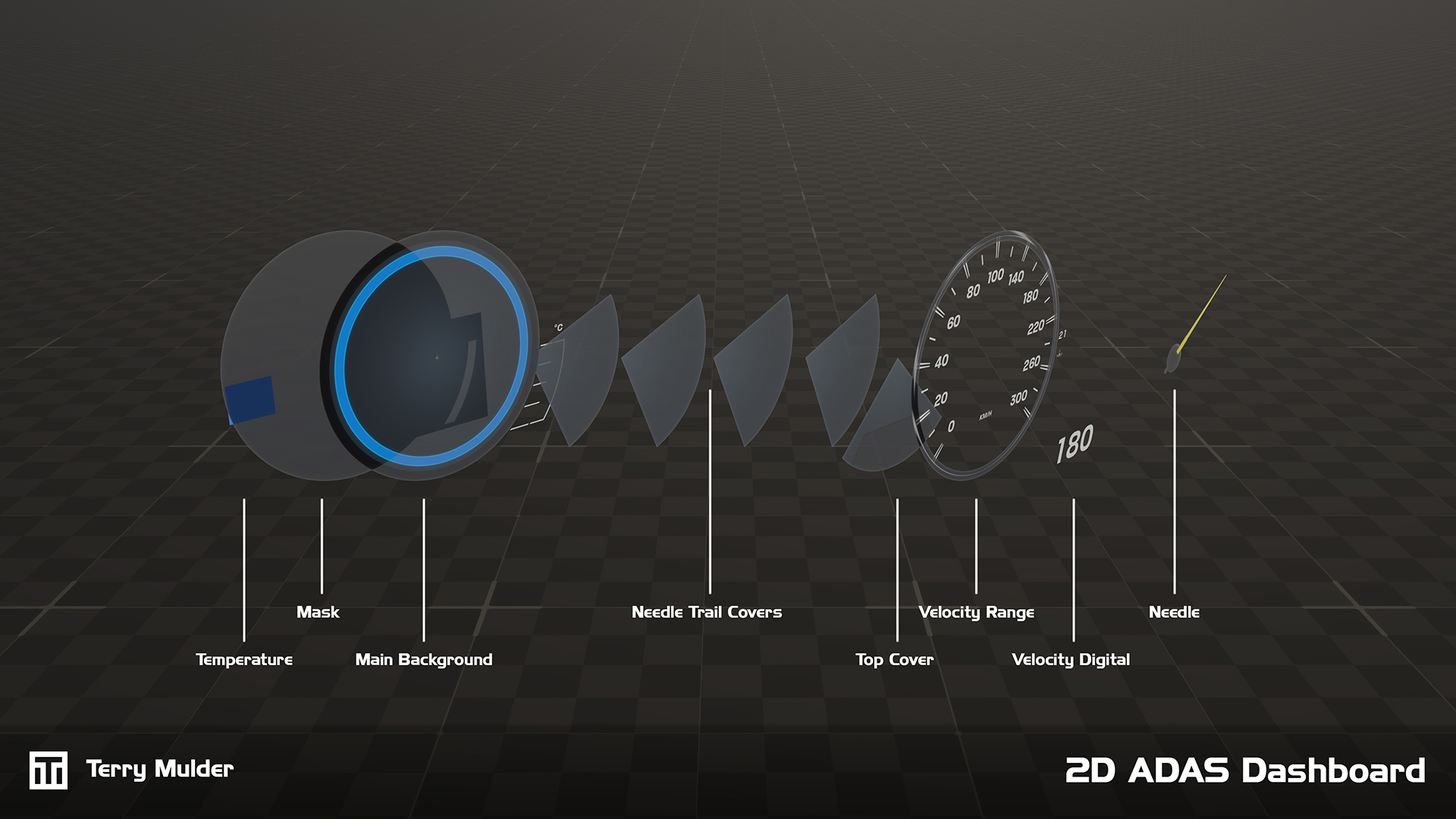
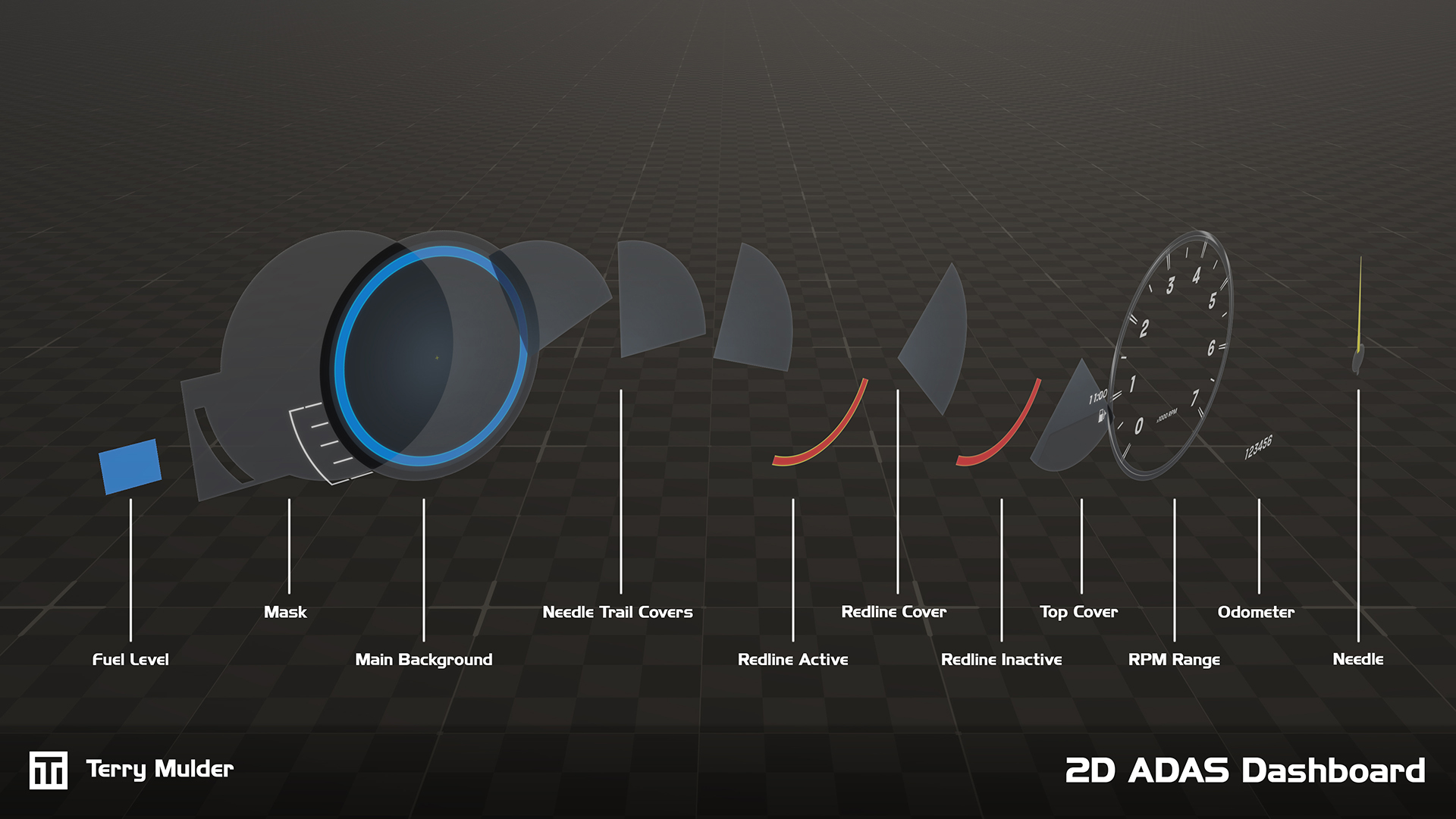
Each simulator includes a standard digital vehicle with baseline vehicle dynamics and ADAS functionality. To provide clear visual feedback, a modular digital dashboard was developed to indicate active functions and system settings, giving engineers the control and insight needed to test, evaluate and further develop both the vehicle model and ADAS implementation.

Originally developed within Cruden’s proprietary software environment, the dashboard required creative problem-solving due to limited UI support. It was later ported to a Unity-based environment, enabling greater flexibility, configurability and adoption within a widely used ecosystem.

The dashboard provides easy configuration and customization, including switching between metric and imperial units, adjustable RPM ranges and configurable redline settings. The dashboard is tightly integrated with the vehicle dynamics model, mapping signals directly to the appropriate UI components. Combined with comprehensive documentation, this baseline allows customers to extend the system and develop their own custom ADAS solutions.

The final dashboard provides engineers with a flexible, intuitive interface supporting ADAS development, evaluation and validation. Its port to Unity increased configurability and usability, enabling adoption across multiple simulator platforms and empowering engineers to efficiently test, evaluate and extend ADAS systems.

What I worked on

  • Identify ADAS use cases and required visual feedback
  • Design a clear and functional digital dashboard layout
  • Design and create required individual UI elements
  • Configure all UI elements within the software environment
  • Connect vehicle and ADAS signals to corresponding UI elements
  • Test and refine dashboard behaviour
  • Document usage and provide a baseline for customer extensions

Tools used

Photoshop
3DS Max
Cruden Panthera
Unity
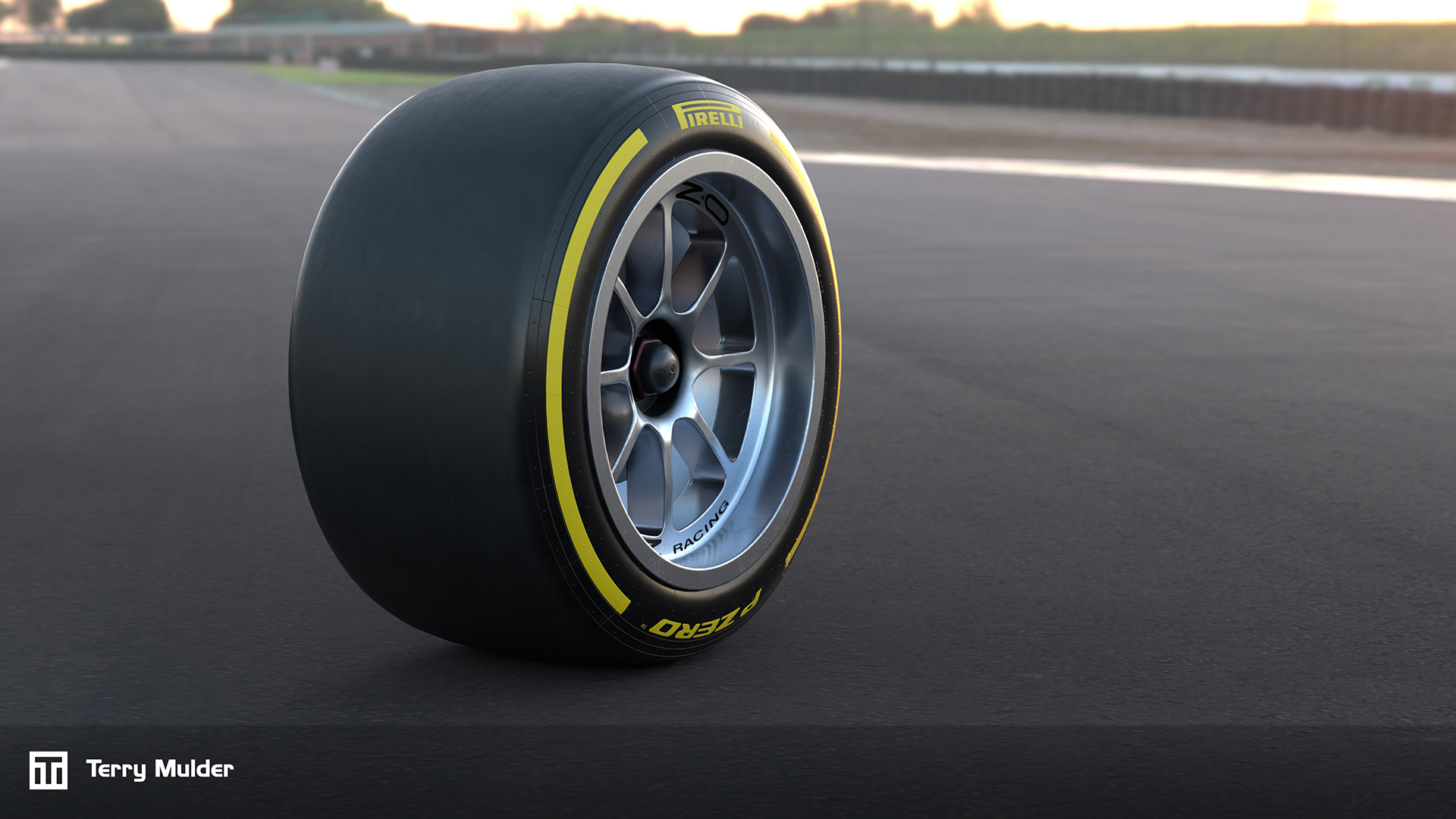
Pirelli F2 Wheel

Pirelli F2 Wheel

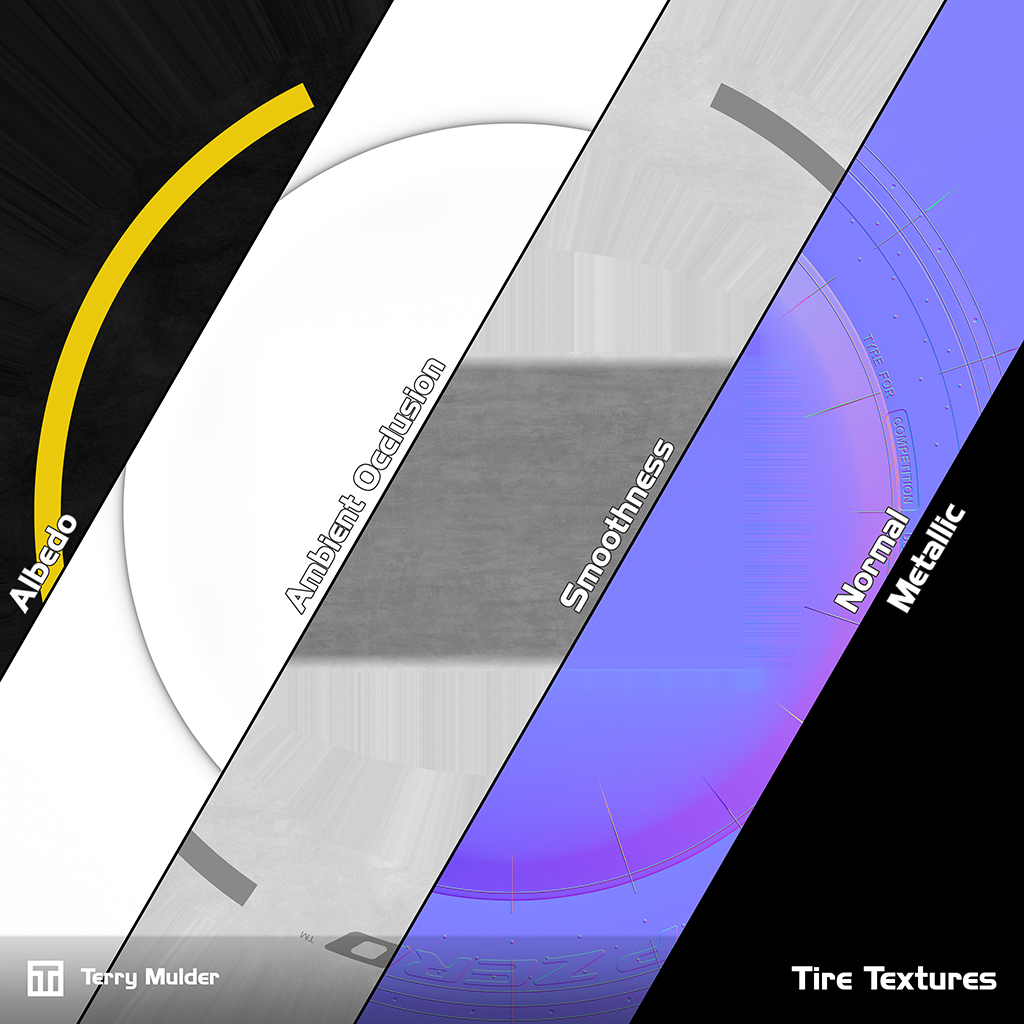
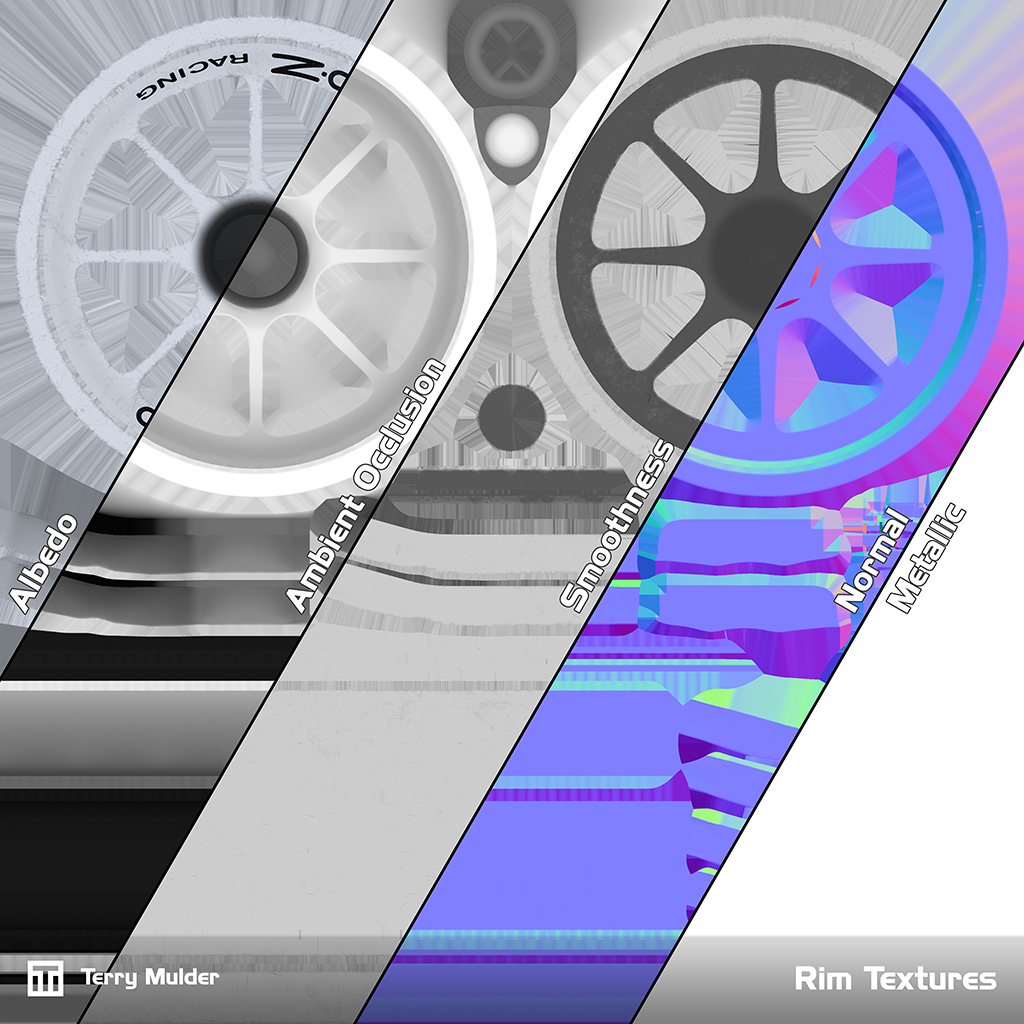
High quality 3D model with PBR textures

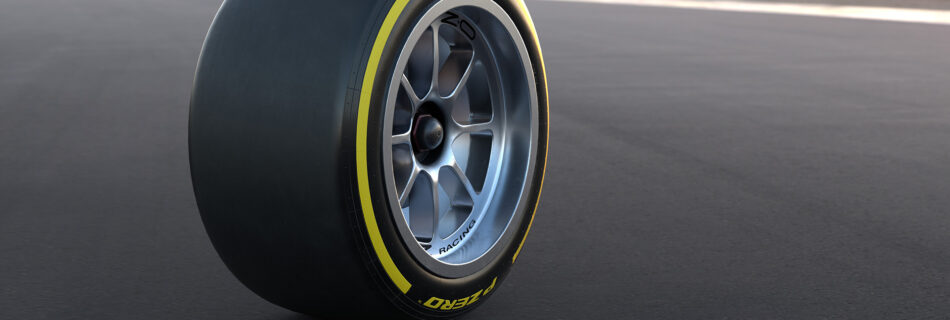
With the recent Formula 2 regulation changes, new 18-inch wheels were introduced. To reflect this update, a more accurate 3D model of the vehicle was created.

The model was built using FIA specifications and reference photography, ensuring precision and authenticity. The mesh was optimised for the driver’s cockpit view and additional LOD (Level of Detail) models were created for viewing at greater distances.

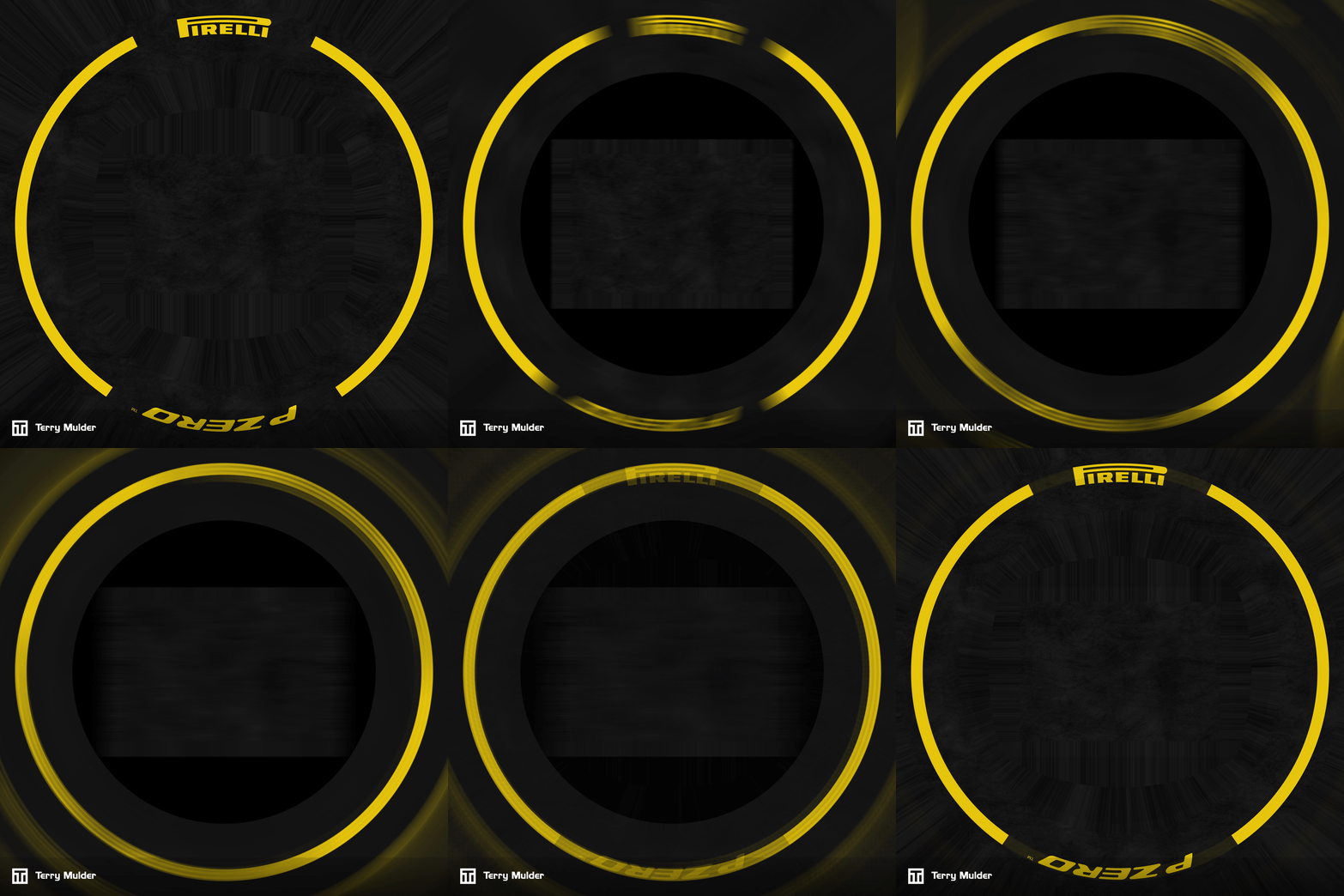
To enhance visual fidelity while driving and reduce the stroboscopic effect, separate blur models were generated. The textures for these blur models were produced using my custom Blur Texture Generator.

Tools used

3D Studio Max
Photoshop
Substance Designer
Substance Painter
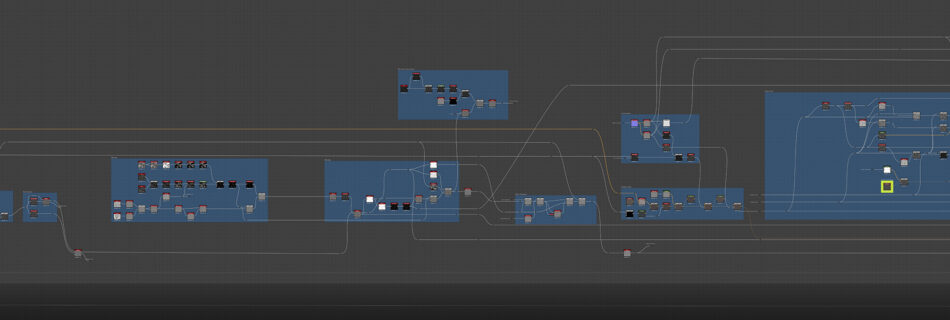
Tarmac Generator Substance Designer Graph

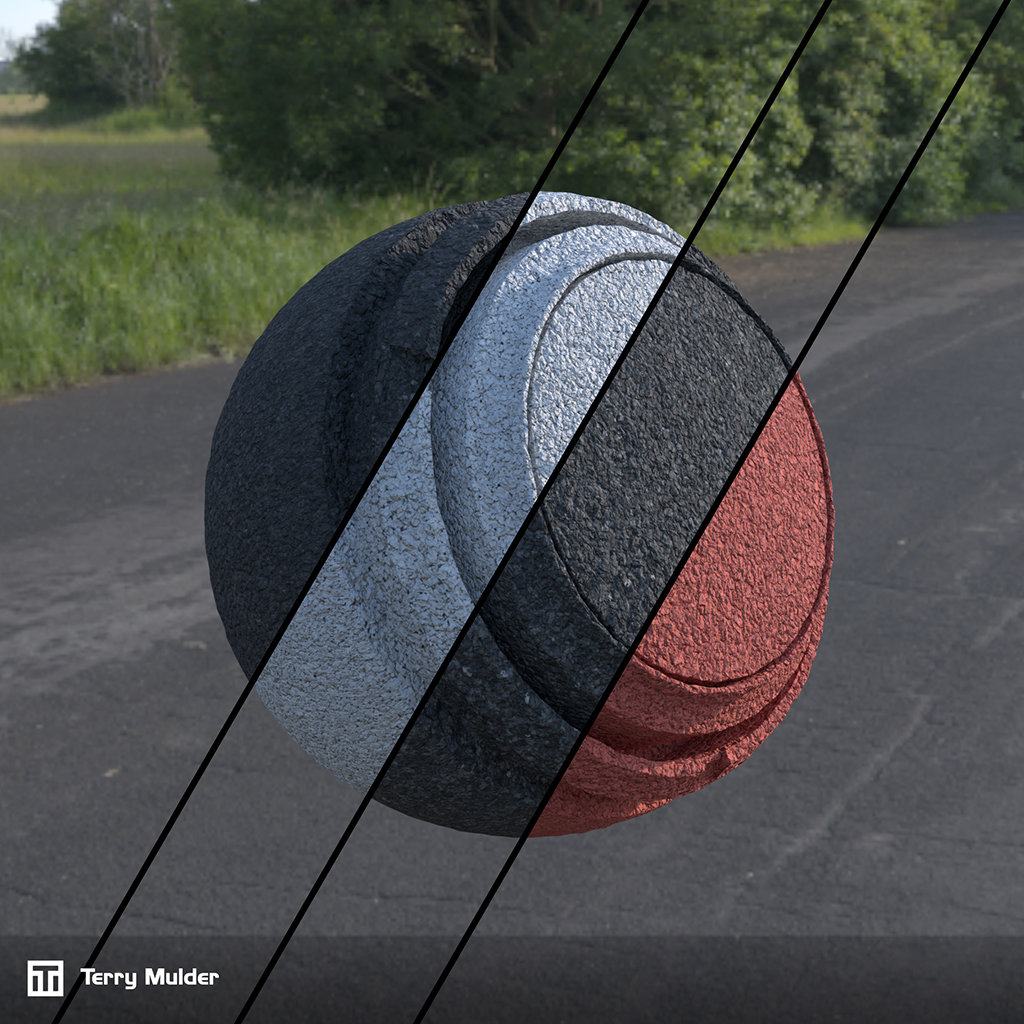
Tarmac Texture Generator

Flexible Textures, Immersive Tracks

When driving on the simulator, the road and its textures are critical, often occupying around one-third of the screen.

While our existing texture sets produced reasonable results, we consistently ran into issues when configuring shaders or switching between day and night conditions. Settings that looked good at night often failed during the day due to limitations in the combination of our shaders and textures.

To address this, I upgraded our existing tarmac texture setsand developed them alongside updated shaders in Unity, with the goals of enhancing visual fidelity, reducing production time and simplifying configurability.

Given the wide variety of tracks we create, tarmac type and color vary significantly. The the system needed to be flexible enough to quickly update or modify textures for any scenario while maintaining accurate PBR values for consistent results under all lighting conditions.

I used Substance Designer to create high-quality, adaptable textures, enabling a workflow that efficiently produces flexible, PBR accurate assets tailored for Unity-based simulation environments.

The new tarmac textures provide consistent visual quality across all tracks and lighting conditions, improving driver immersion while reducing manual shader tweaking and production time. The flexible system allows our team to rapidly adapt textures to new tracks or scenarios without compromising PBR accuracy.

Tools used

Substance Designer

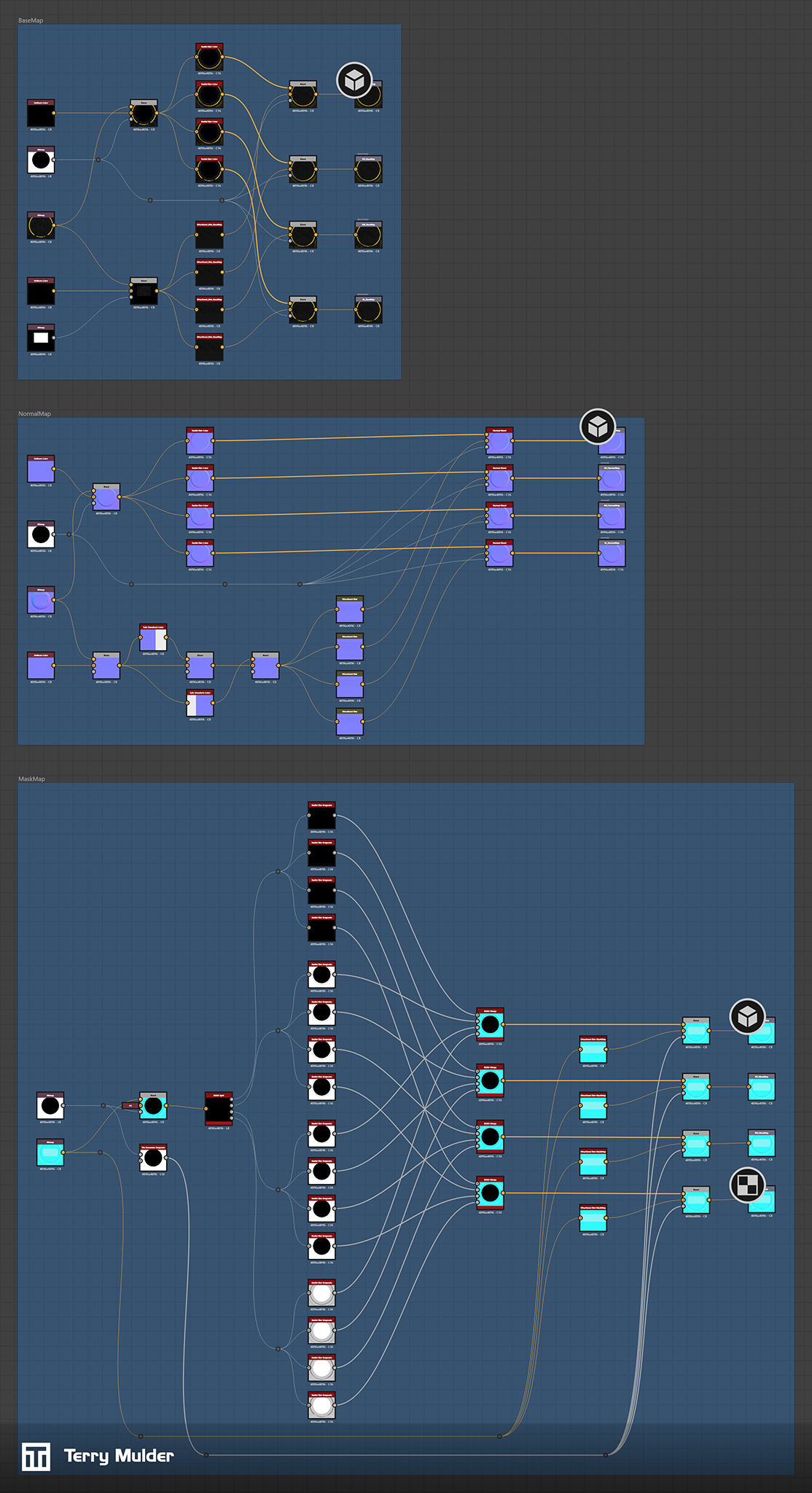
Blur Texture Generator

Workflow improvements

When

When vehicles are displayed at high speed, rotating wheels can produce a stroboscope effect, making motion look unnatural and distracting for drivers. Standard motion blur with fullscreen shaders does not work correctly on rotating wheels, so dedicated blurred wheel models with textures are necessary to preserve realism.

Manually creating these textures in Photoshop is time-consuming, particularly when dealing with full PBR workflows. To solve this, I built a Substance Designer graph that automates the process.

The tool blurs tread and sidewall separately, processes each PBR channel individually to prevent channel contamination and supports multiple blur iterations to represent different stages of velocity.

The automated wheel blur tool significantly reduces manual work while producing realistic motion effects for high-speed vehicles. By preventing distracting stroboscope artifacts and maintaining full PBR fidelity, it enhances visual realism and driver focus in simulation environments.

Tools used

Substance Designer