Private Portfolio Access
Some projects are confidential and cannot be shared publicly. but I’m happy to share additional examples privately.

Unity

Some projects are confidential and cannot be shared publicly. but I’m happy to share additional examples privately.
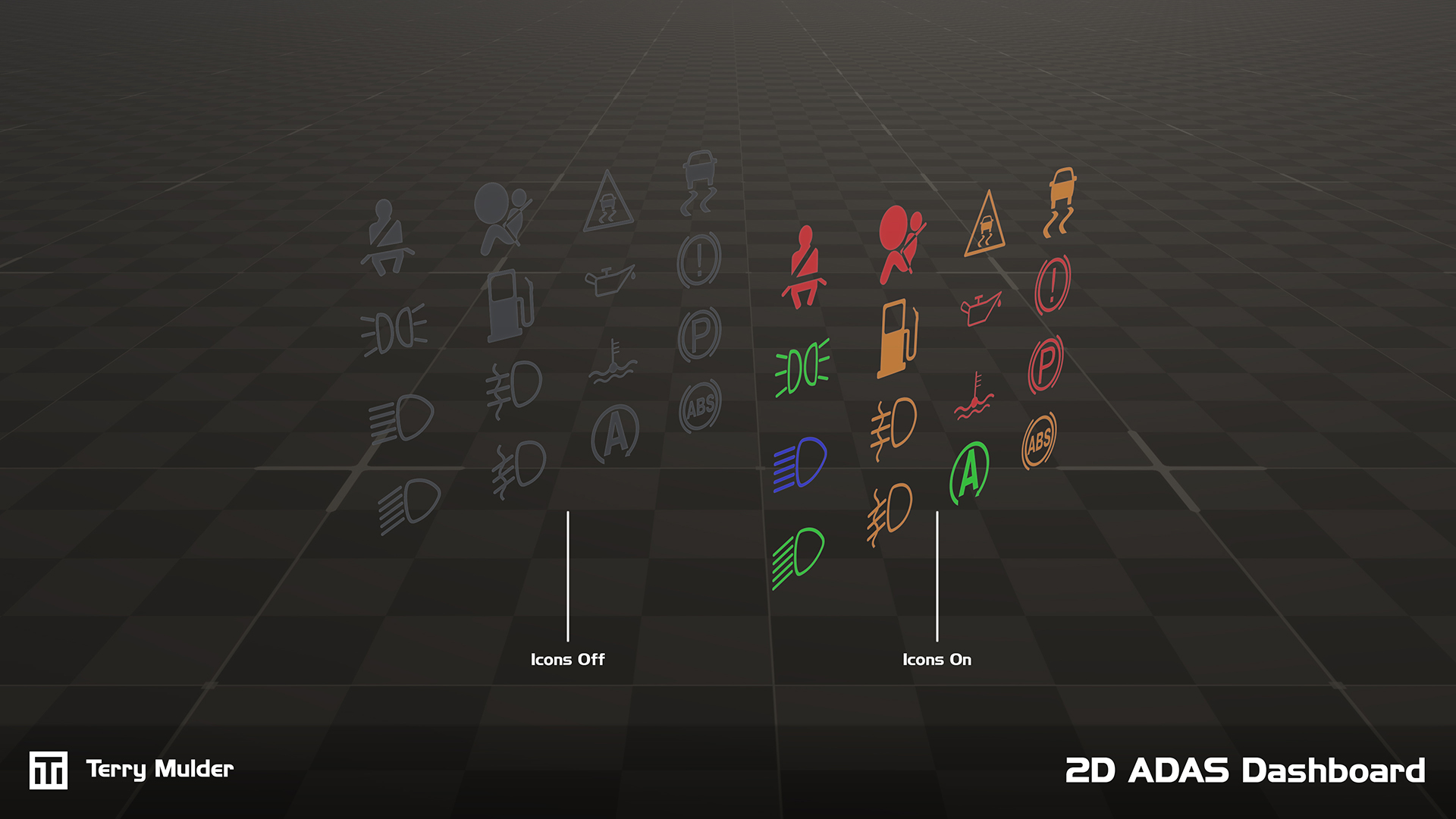
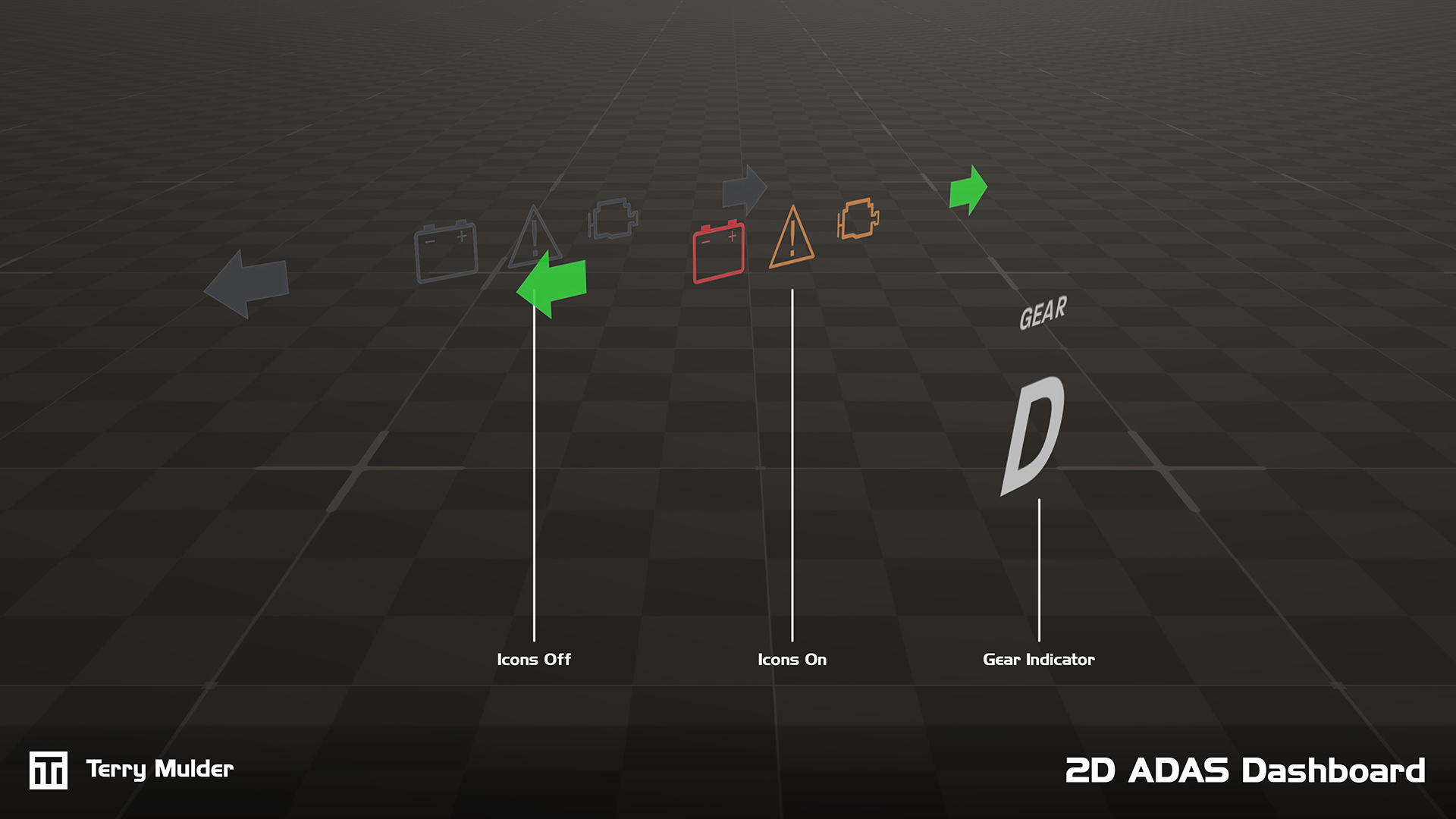
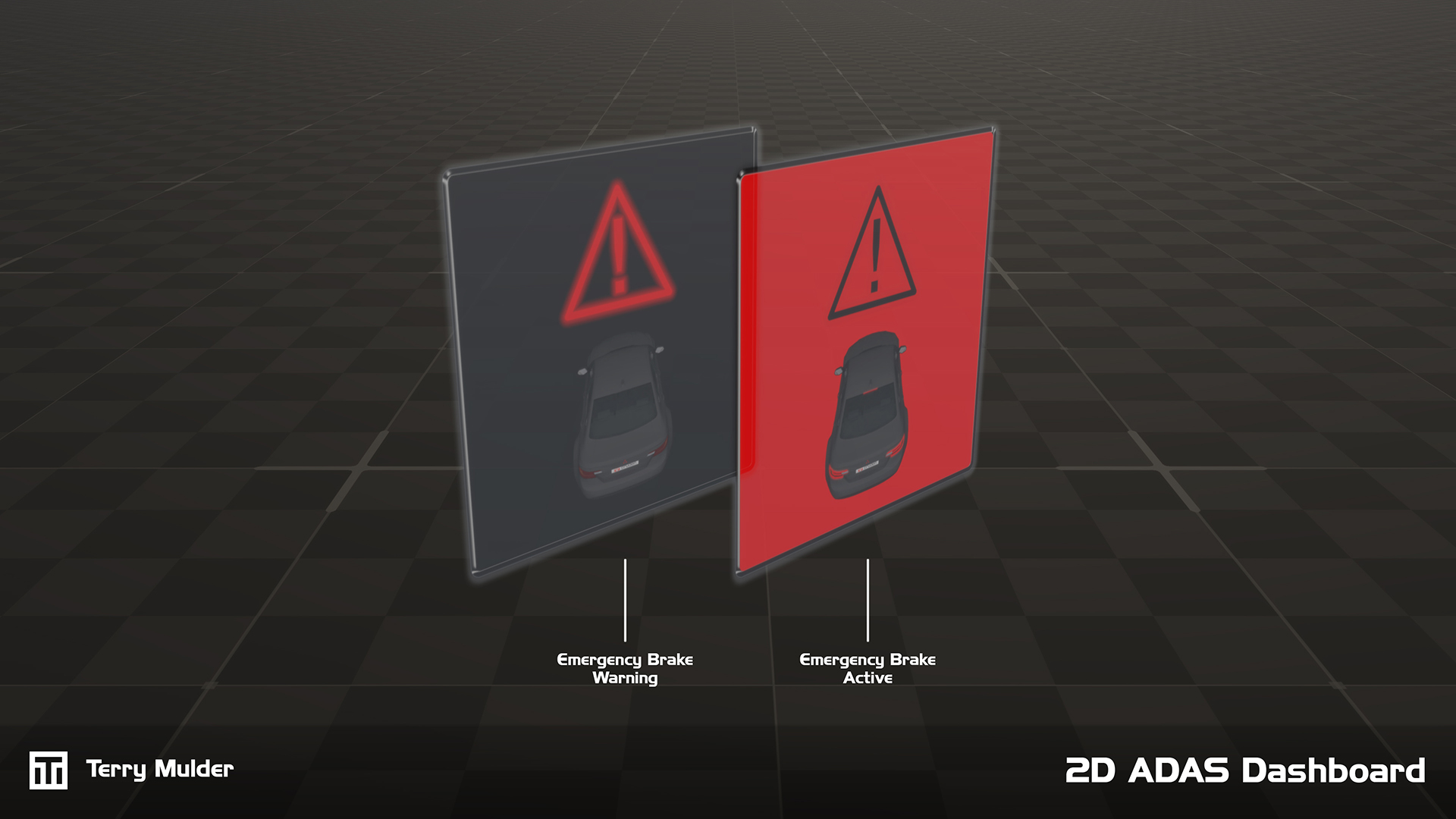
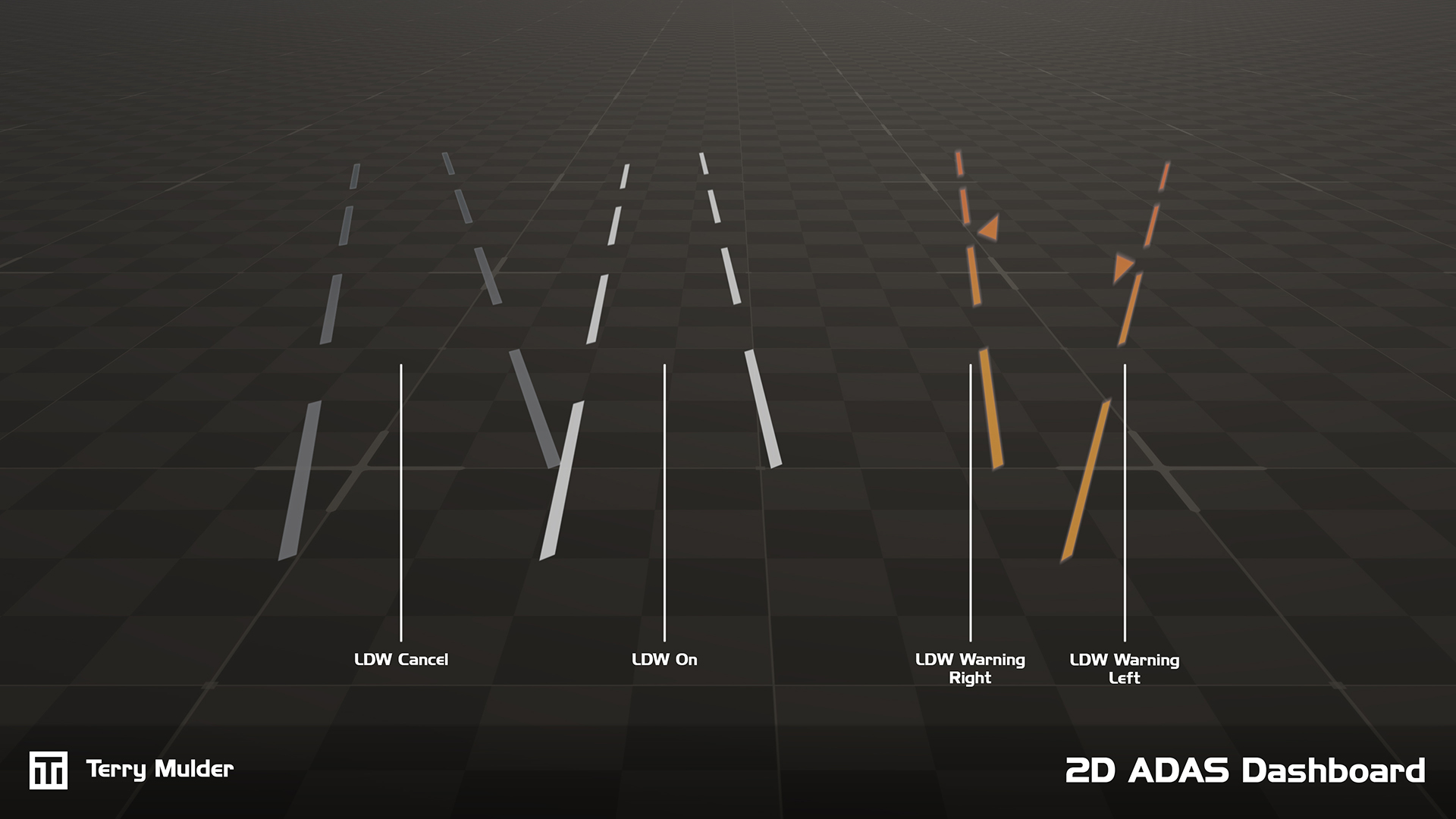
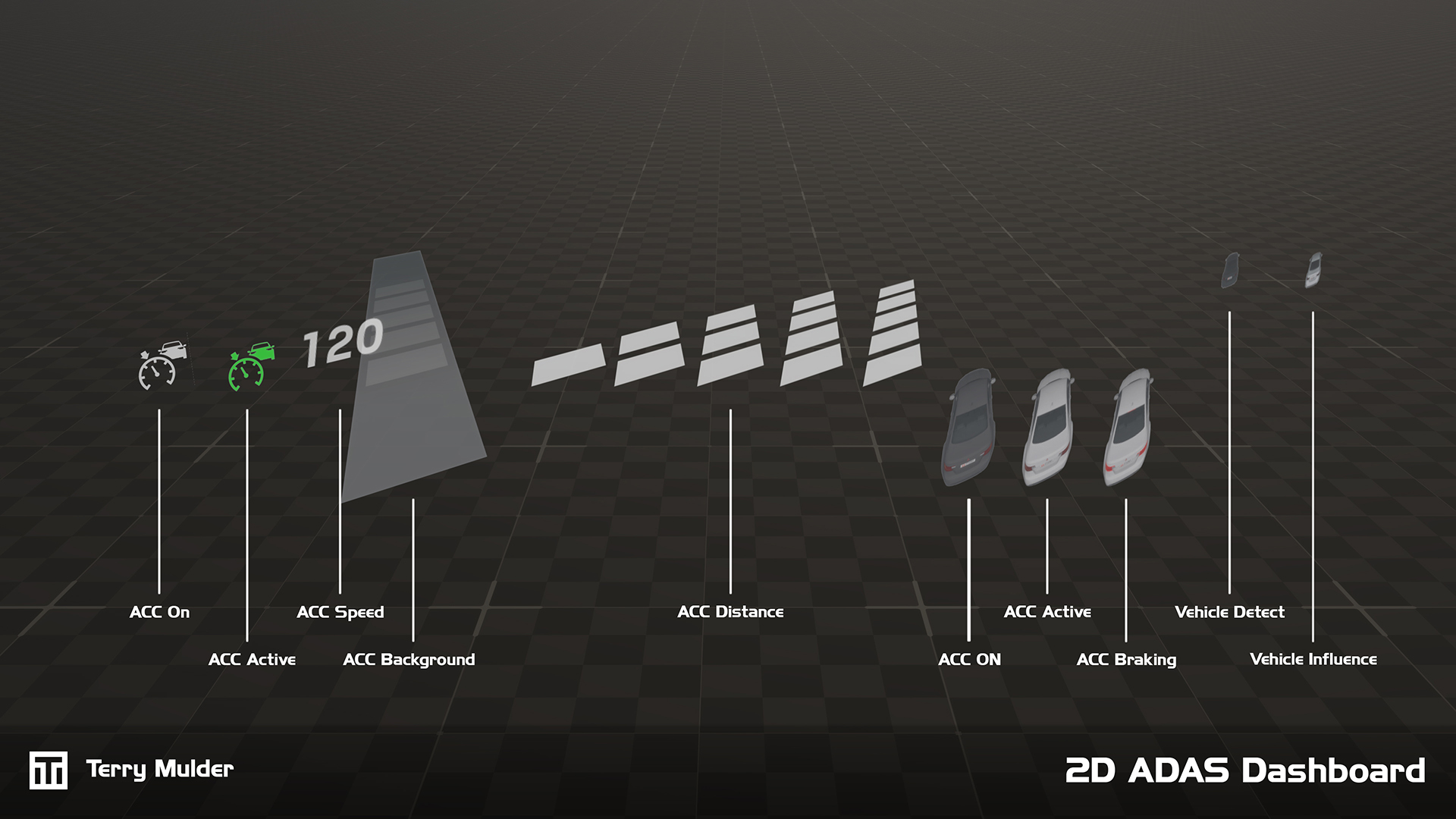
Cruden’s simulators are used across a wide range of automotive R&D applications, including the development and validation of Advanced Driver Assistance Systems (ADAS).
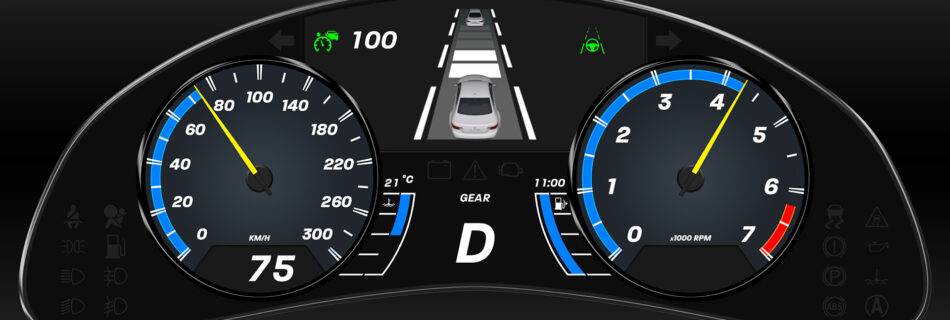
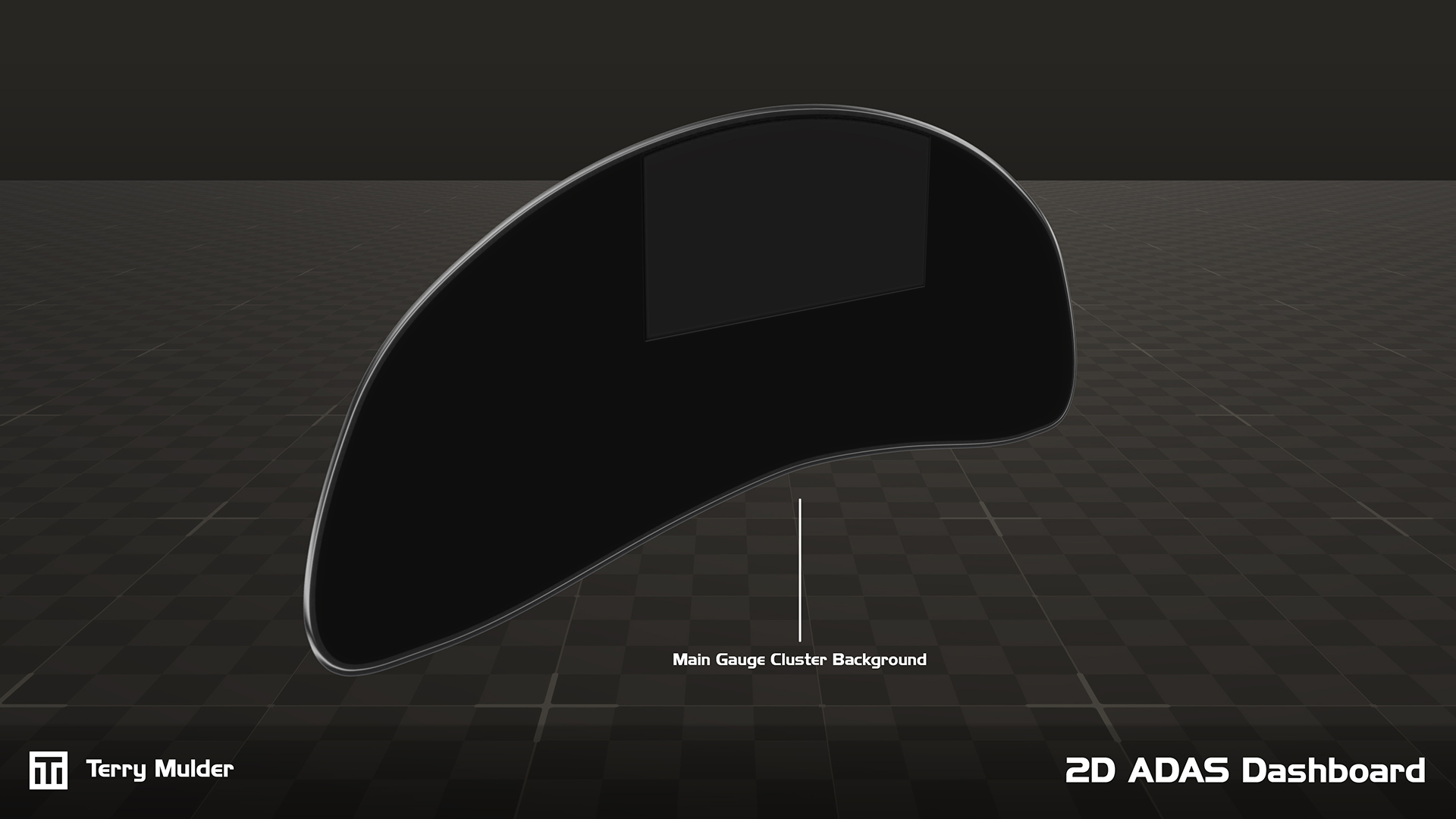
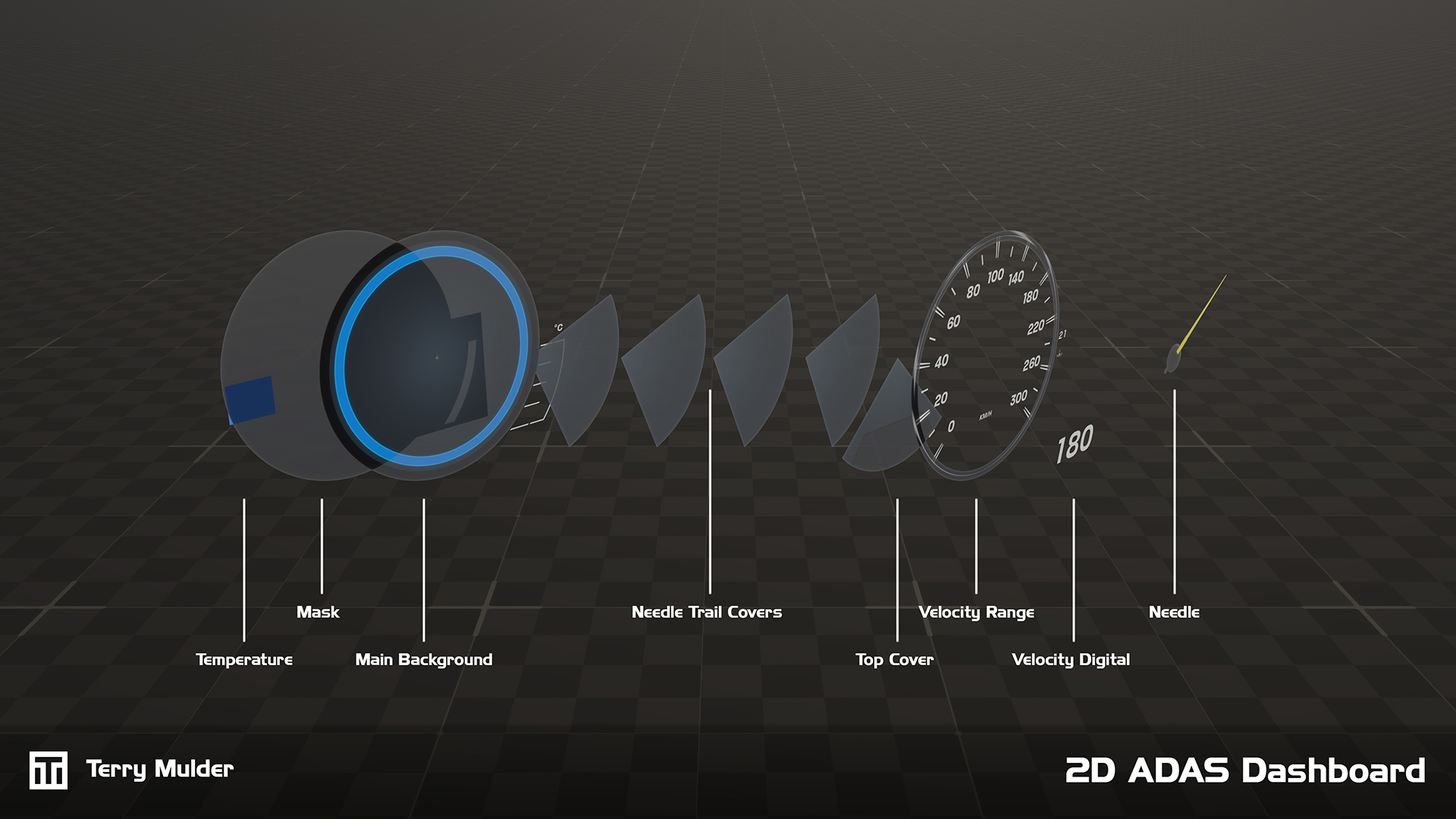
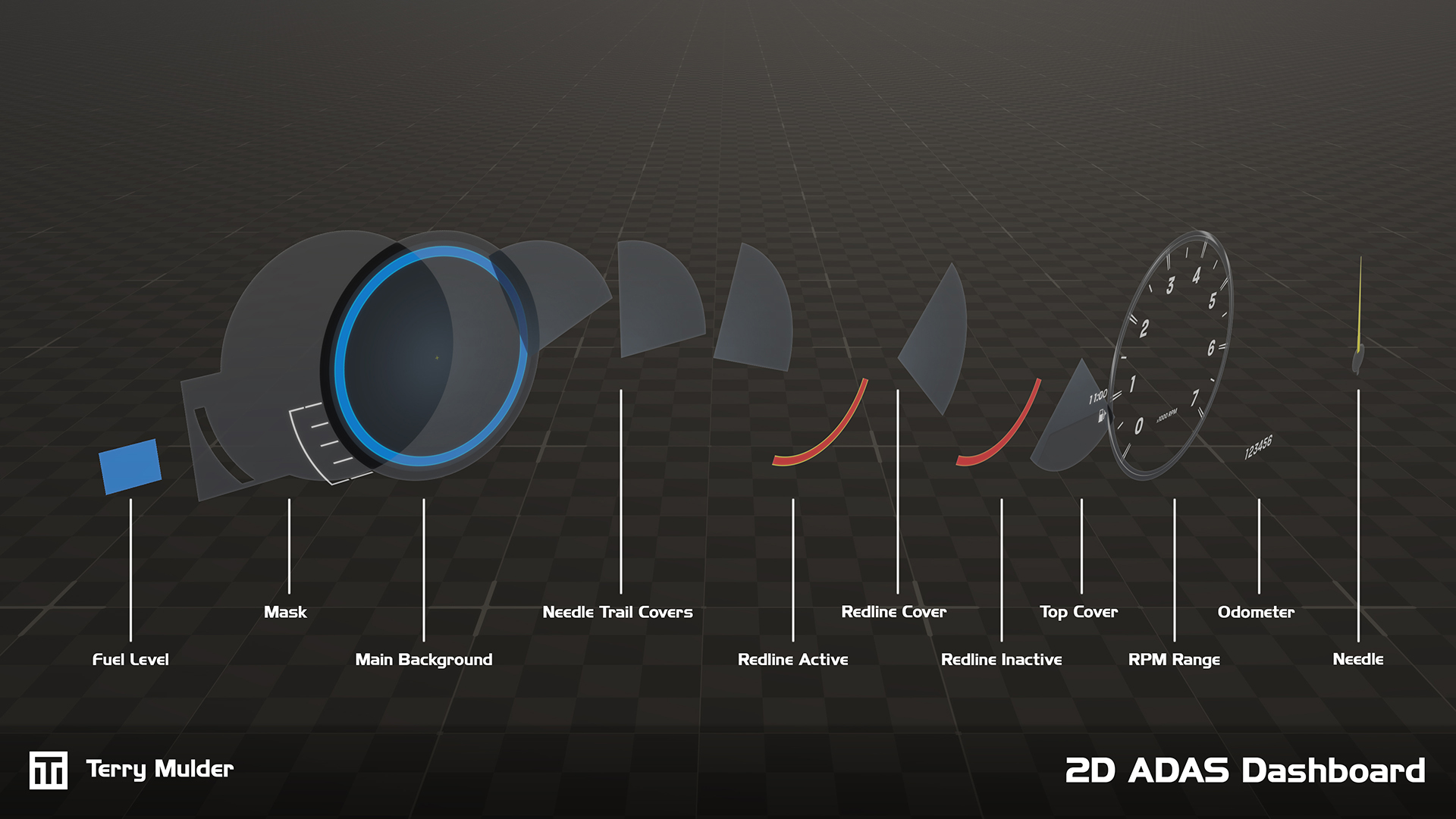
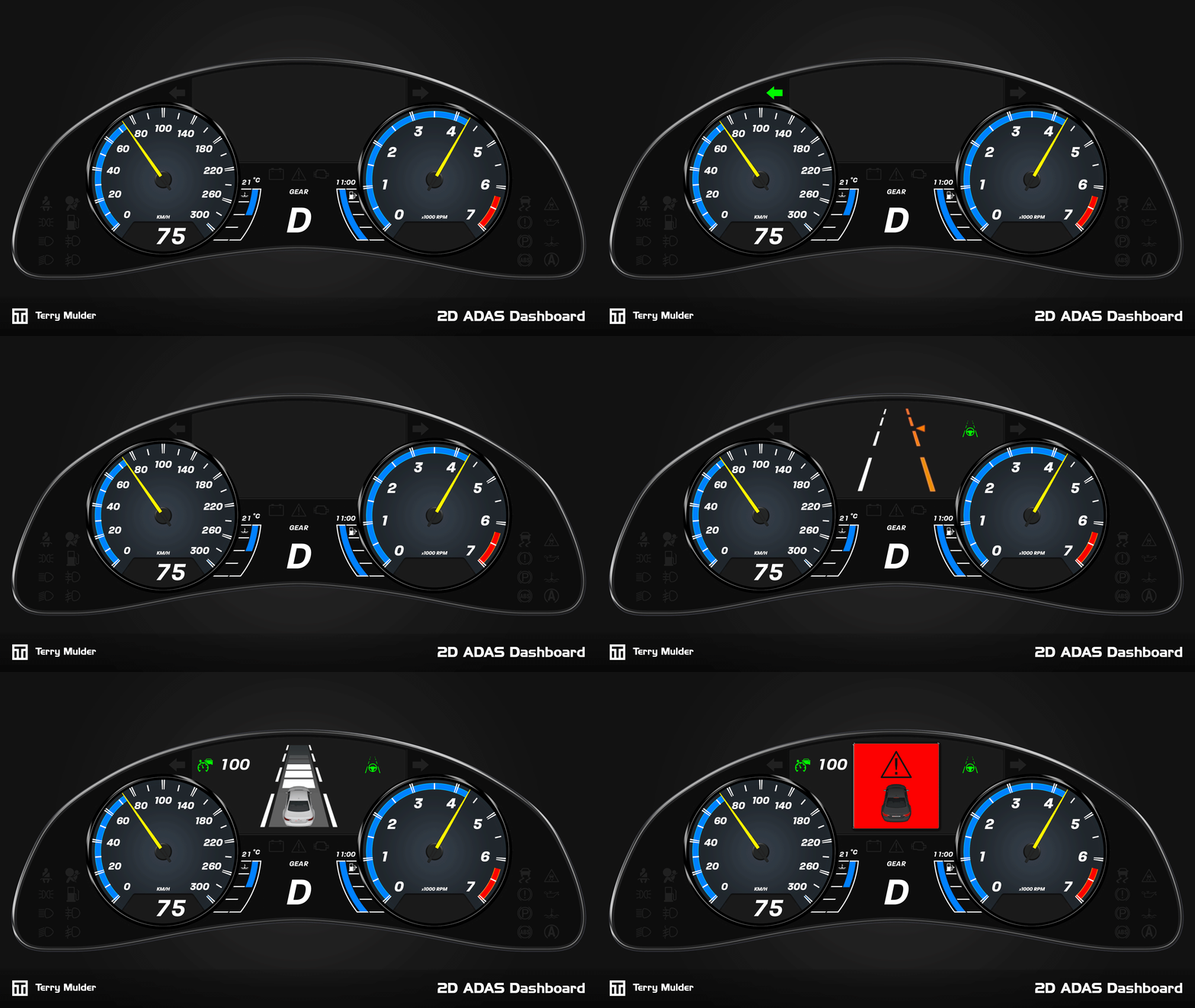
Each simulator includes a standard digital vehicle with baseline vehicle dynamics and ADAS functionality. To provide clear visual feedback, a modular digital dashboard was developed to indicate active functions and system settings, giving engineers the control and insight needed to test, evaluate and further develop both the vehicle model and ADAS implementation.
Originally developed within Cruden’s proprietary software environment, the dashboard required creative problem-solving due to limited UI support. It was later ported to a Unity-based environment, enabling greater flexibility, configurability and adoption within a widely used ecosystem.
The dashboard provides easy configuration and customization, including switching between metric and imperial units, adjustable RPM ranges and configurable redline settings. The dashboard is tightly integrated with the vehicle dynamics model, mapping signals directly to the appropriate UI components. Combined with comprehensive documentation, this baseline allows customers to extend the system and develop their own custom ADAS solutions.
The final dashboard provides engineers with a flexible, intuitive interface supporting ADAS development, evaluation and validation. Its port to Unity increased configurability and usability, enabling adoption across multiple simulator platforms and empowering engineers to efficiently test, evaluate and extend ADAS systems.




* Selected shaders from my development work
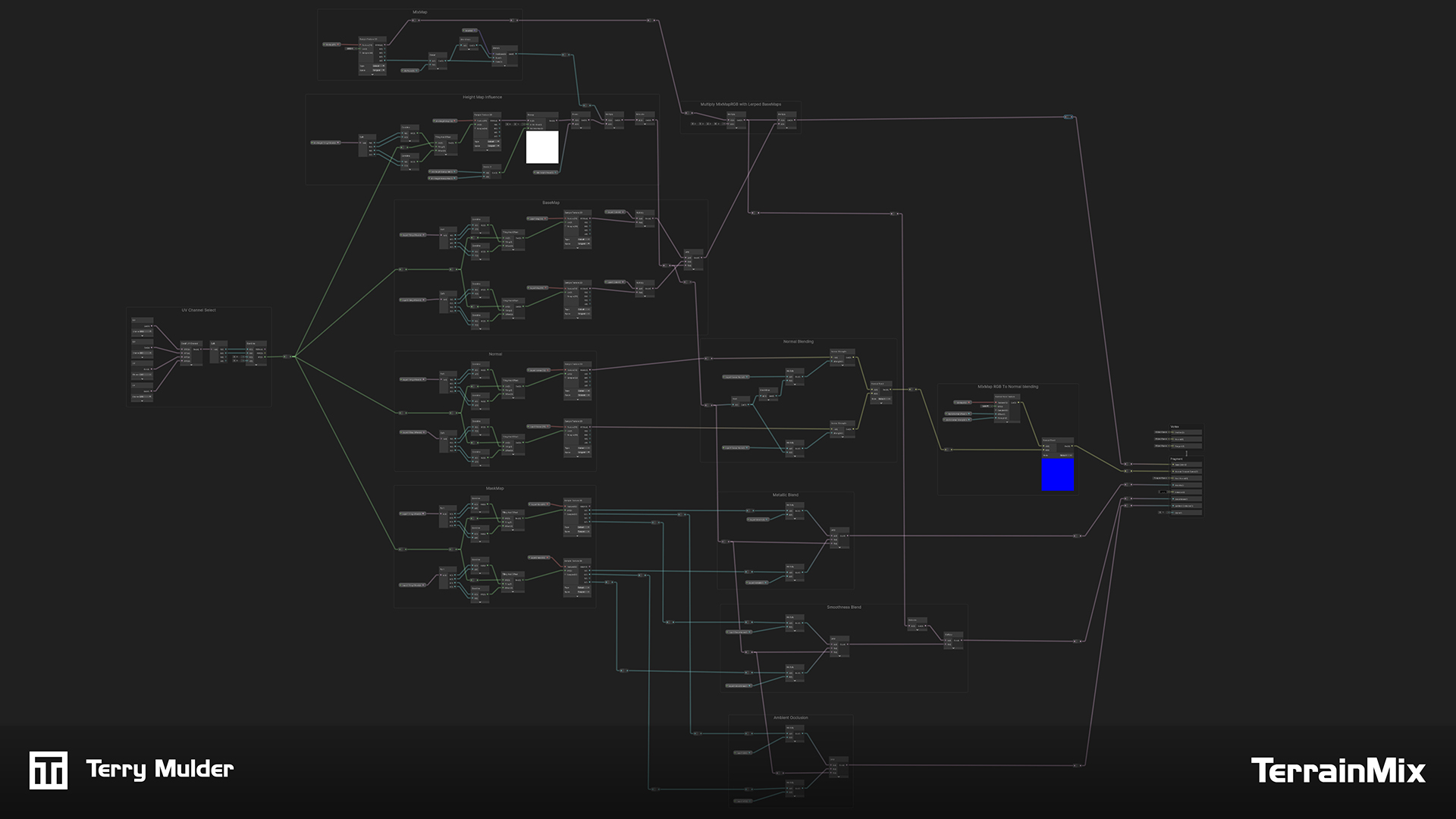
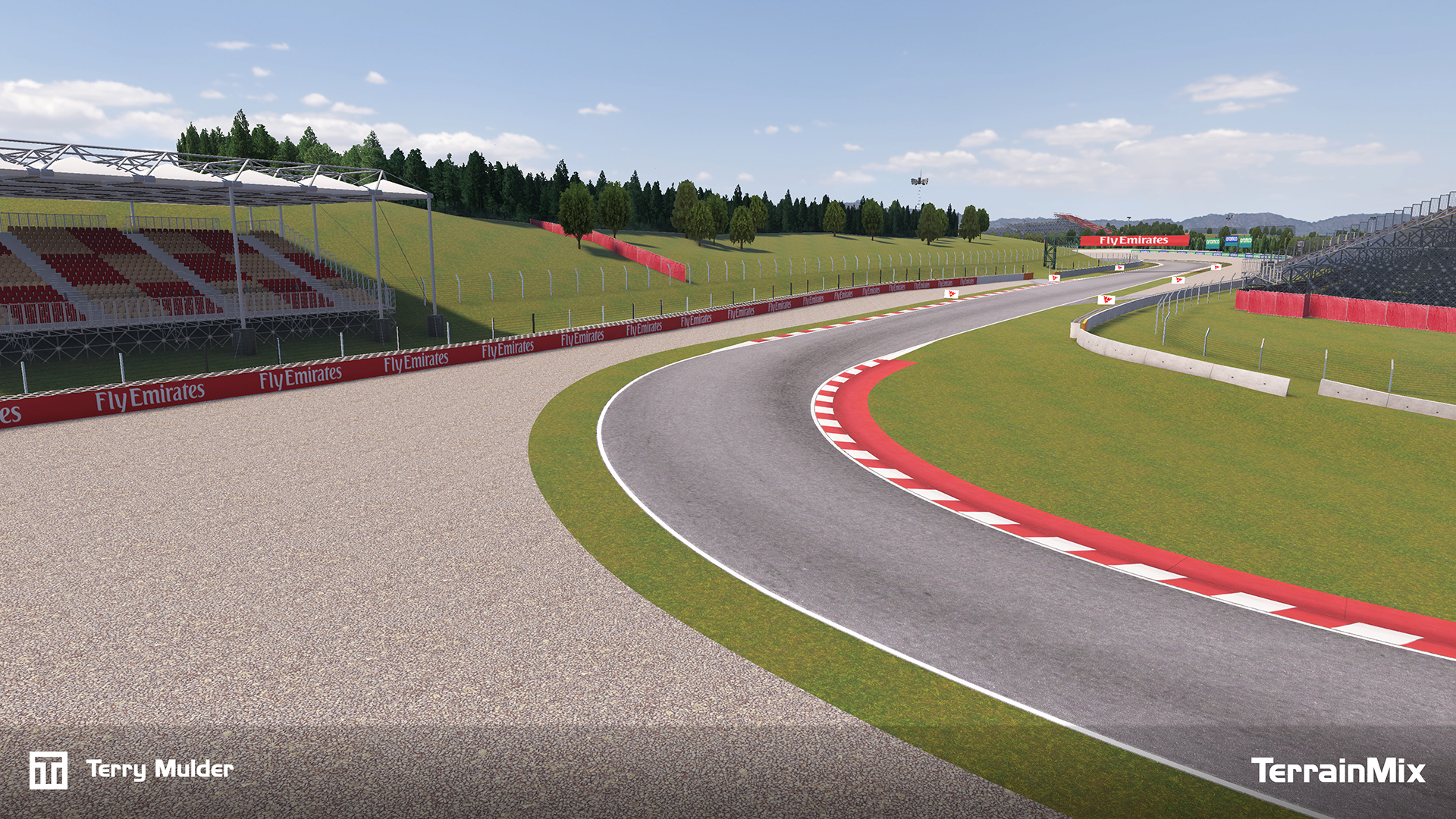
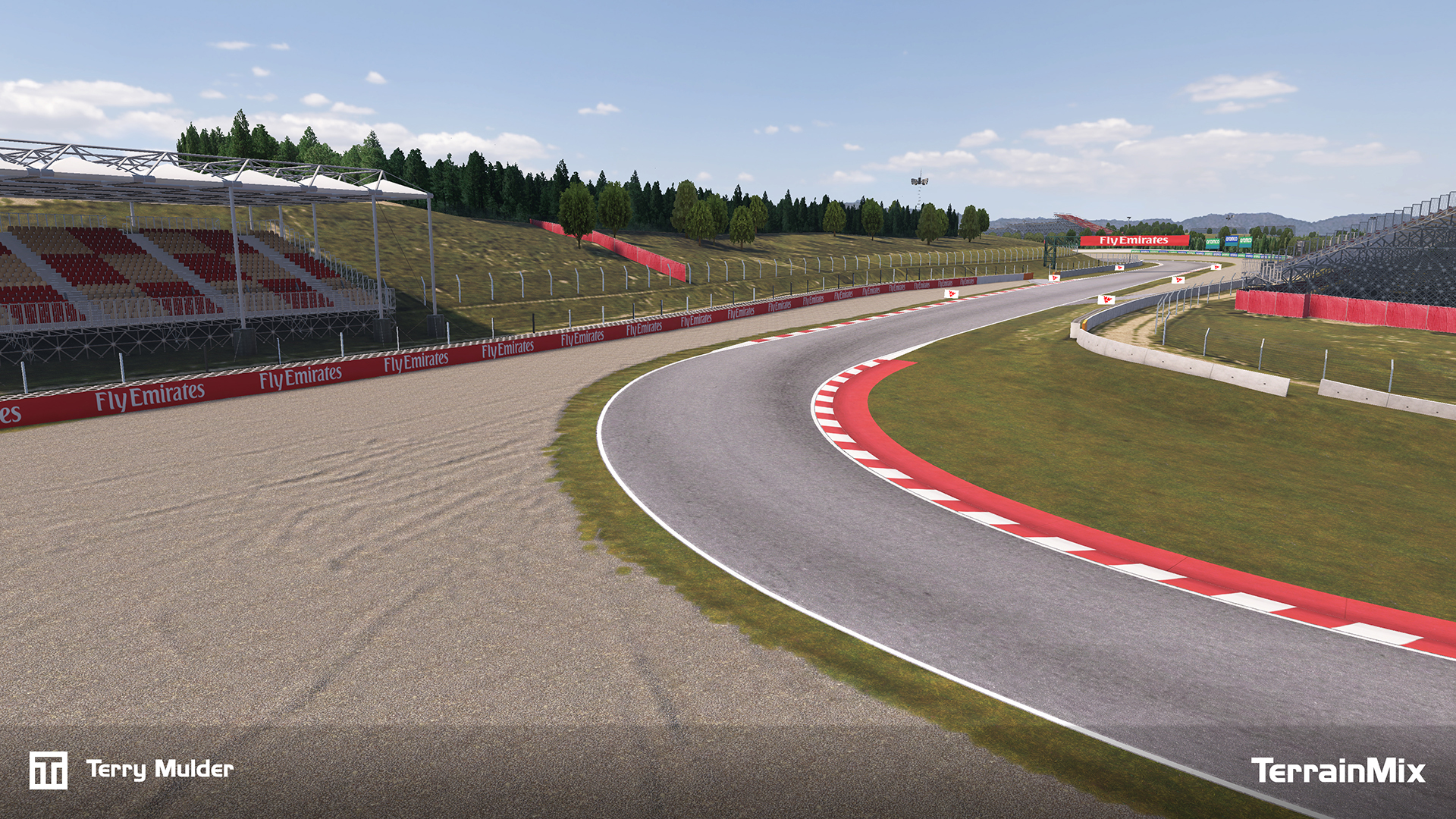
To improve the visual quality of track runoff areas and remove harsh material borders, I developed a fast blended PBR workflow for grass and gravel transitions. Instead of hard polygon-assigned materials, two full PBR texture sets are blended in the shader using a control map, creating natural, organic transitions.
A cleaned satellite image is used to generate the control texture. The alpha channel defines the grass/gravel blend, while the RGB channels control local light/dark variation and optional color influence. Both are packed into a single texture for efficiency.
The shader blends the materials using world-space mapped texture sets (for consistent scale and reduced tiling) and applies the control map via standard UV mapping from 3ds Max. This keeps the setup lightweight, flexible and compatible with existing pipelines.
Optional height and normal blending is used to fake volume where grass sits on top of gravel, with gravel height information driving the blend so grass naturally starts growing between the stones first, resulting in a more believable transition.
This approach delivers:
Ideal for large-scale racing environments under tight production schedules.
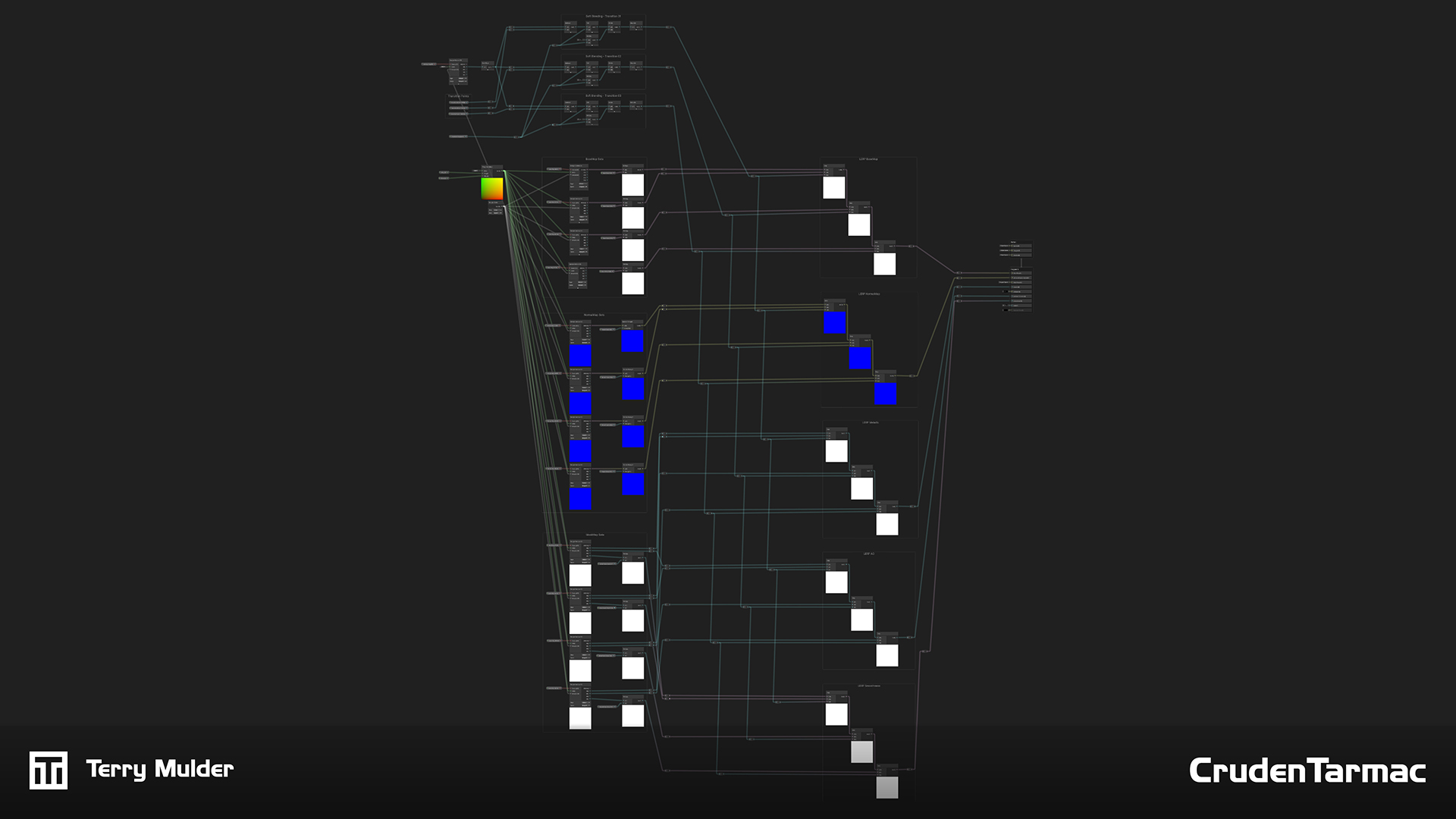
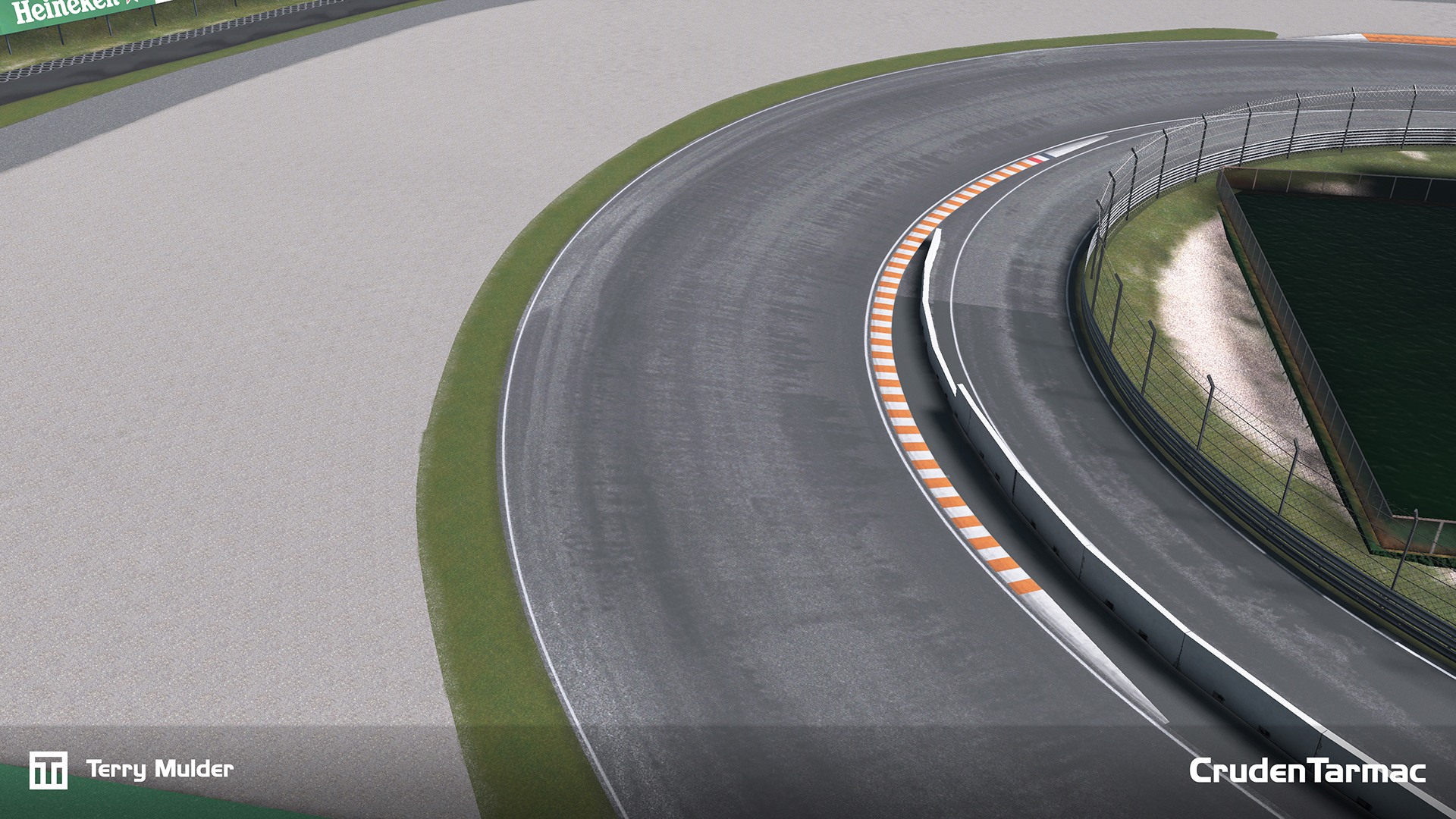
Because tarmac quality is critical in driving simulators, I developed a custom tarmac workflow to significantly improve road realism and consistency. A dedicated Substance Designer graph is used to generate standardised PBR tarmac texture sets (Tarmac Texture Generator).
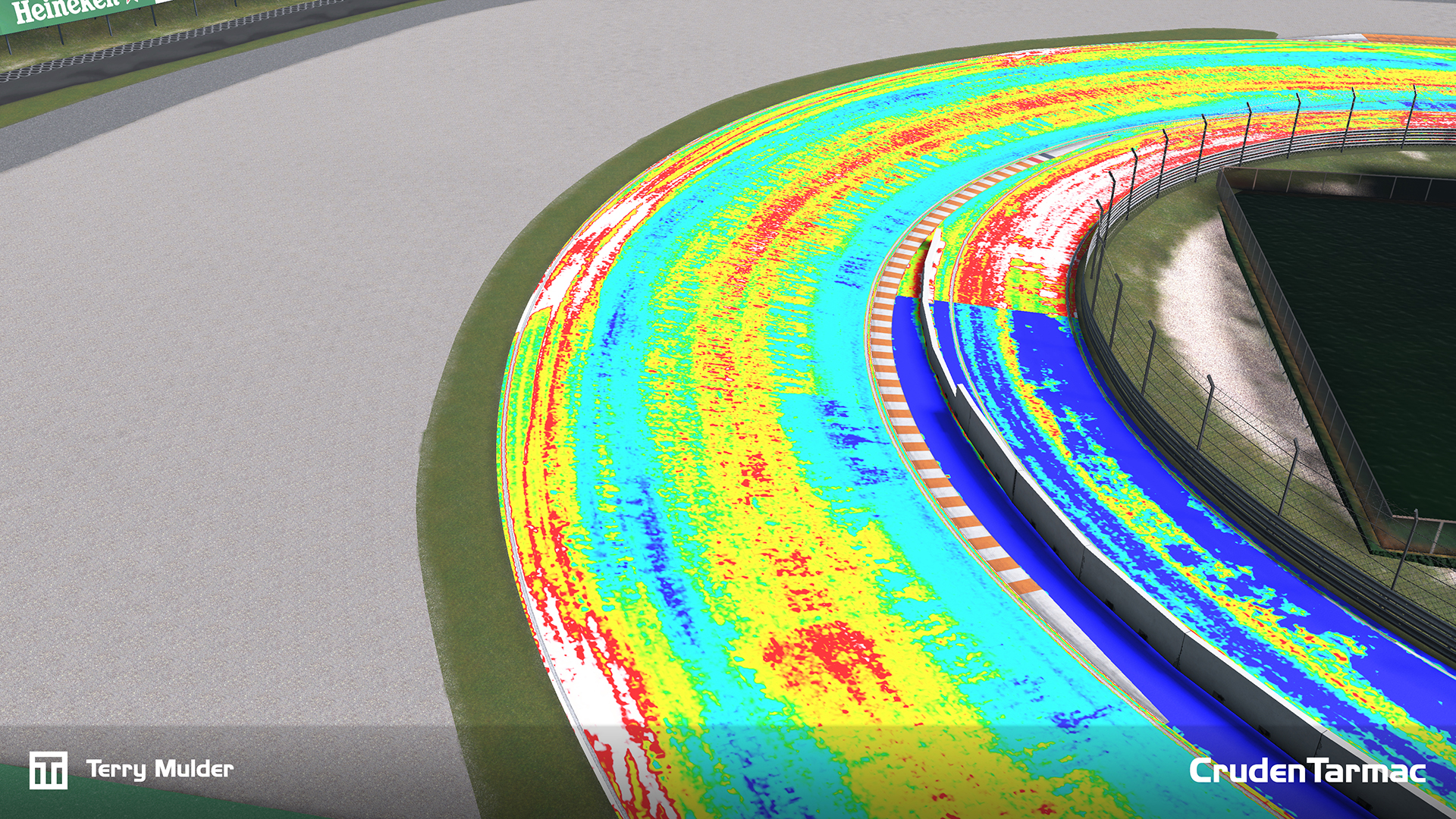
Our LiDAR point clouds contain intensity data (grayscale light/dark information per scan point). This data is baked onto the road surface into multiple textures and used as a high-frequency detail source that would be extremely time-consuming to reproduce manually.
In a custom shader, multiple tarmac texture sets are blended based on the color range of the LiDAR intensity data, introducing subtle variation, patching and wear patterns that closely match the real-world environment.
The workflow is optimised for production:
This method achieves natural, nuanced tarmac detail while minimizing manual work, making high-quality surfaces achievable even under tight schedules.
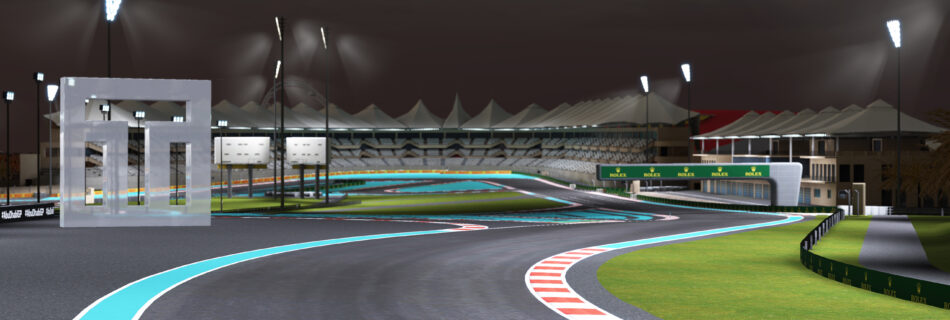
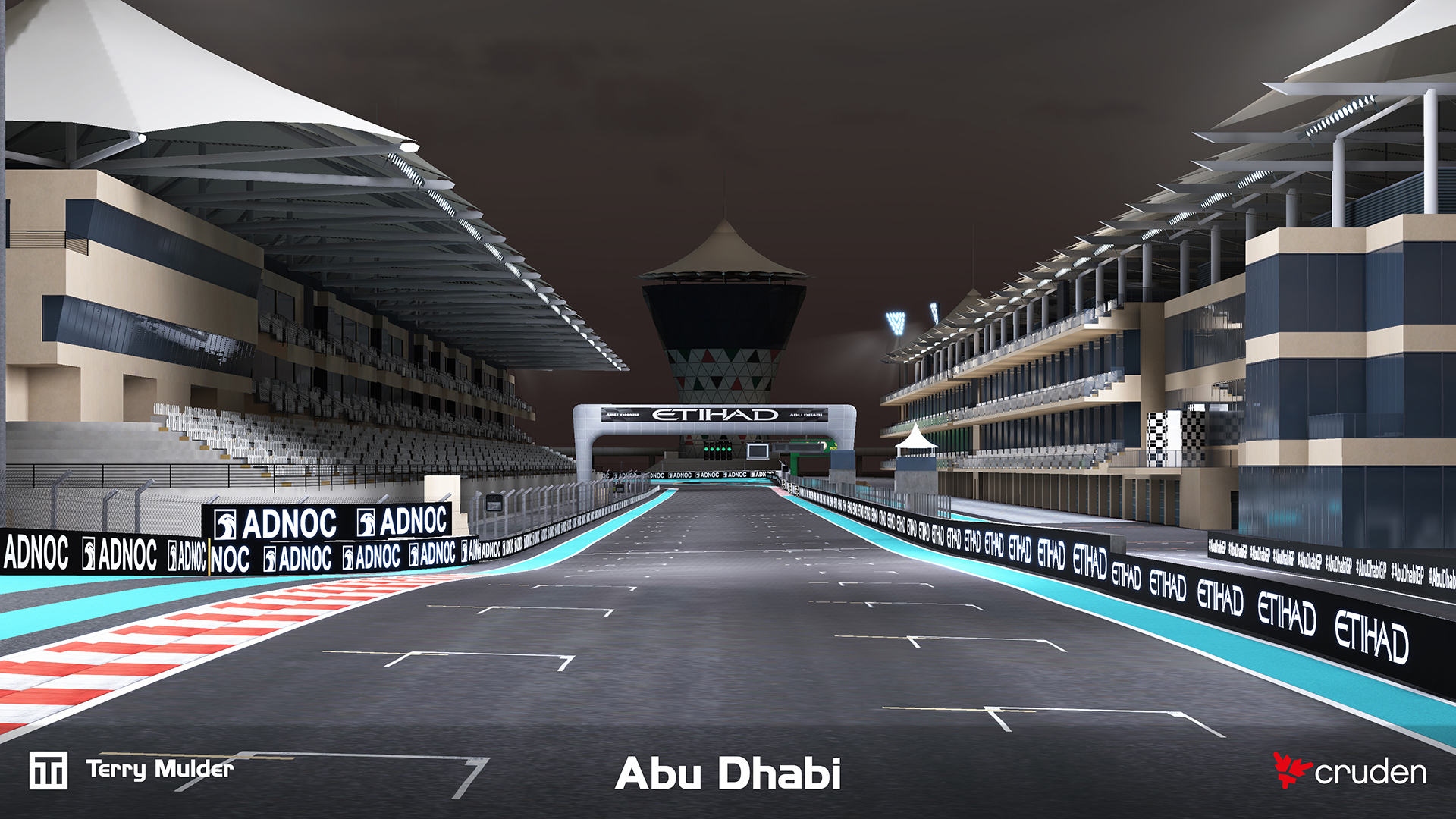
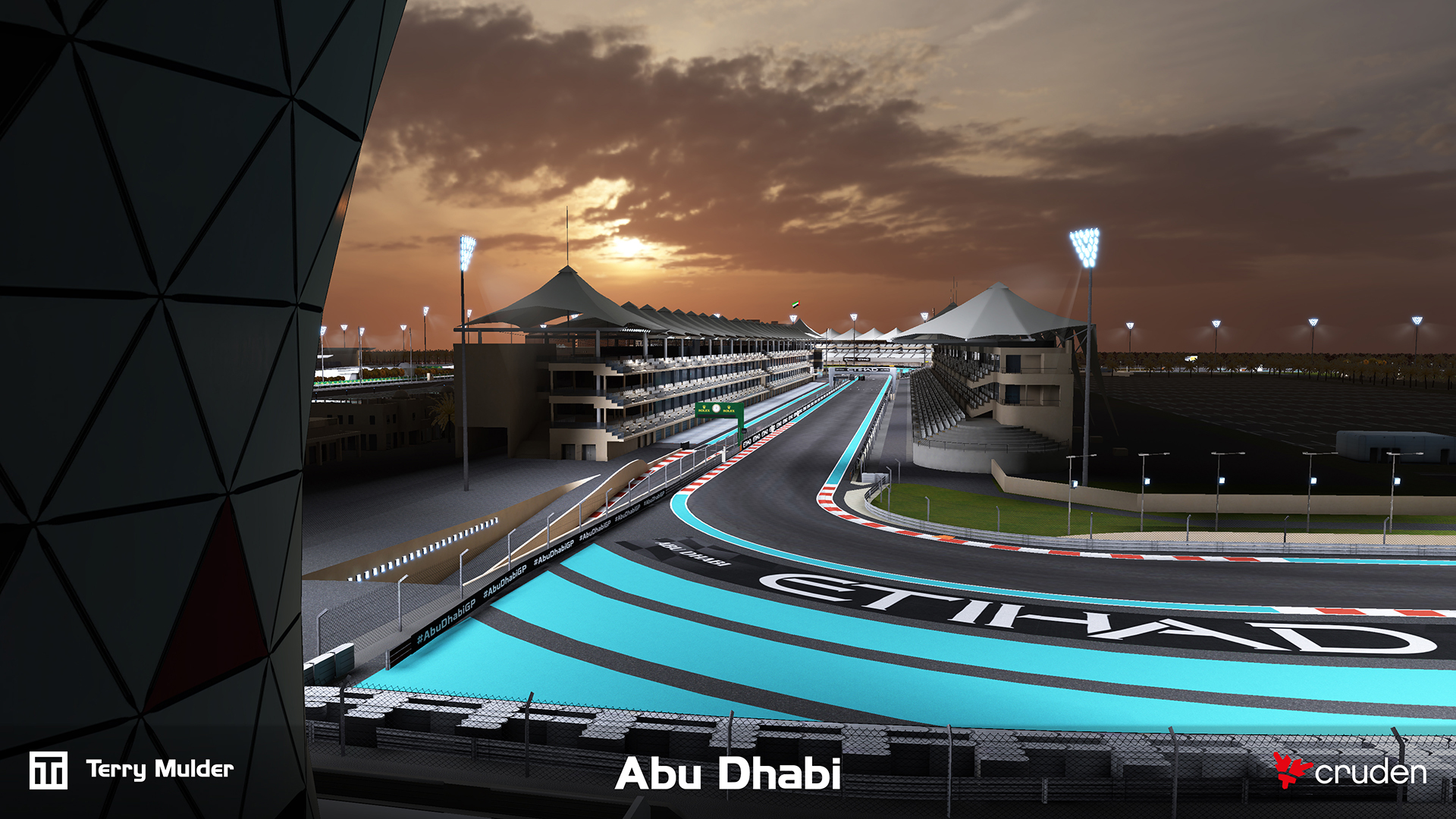
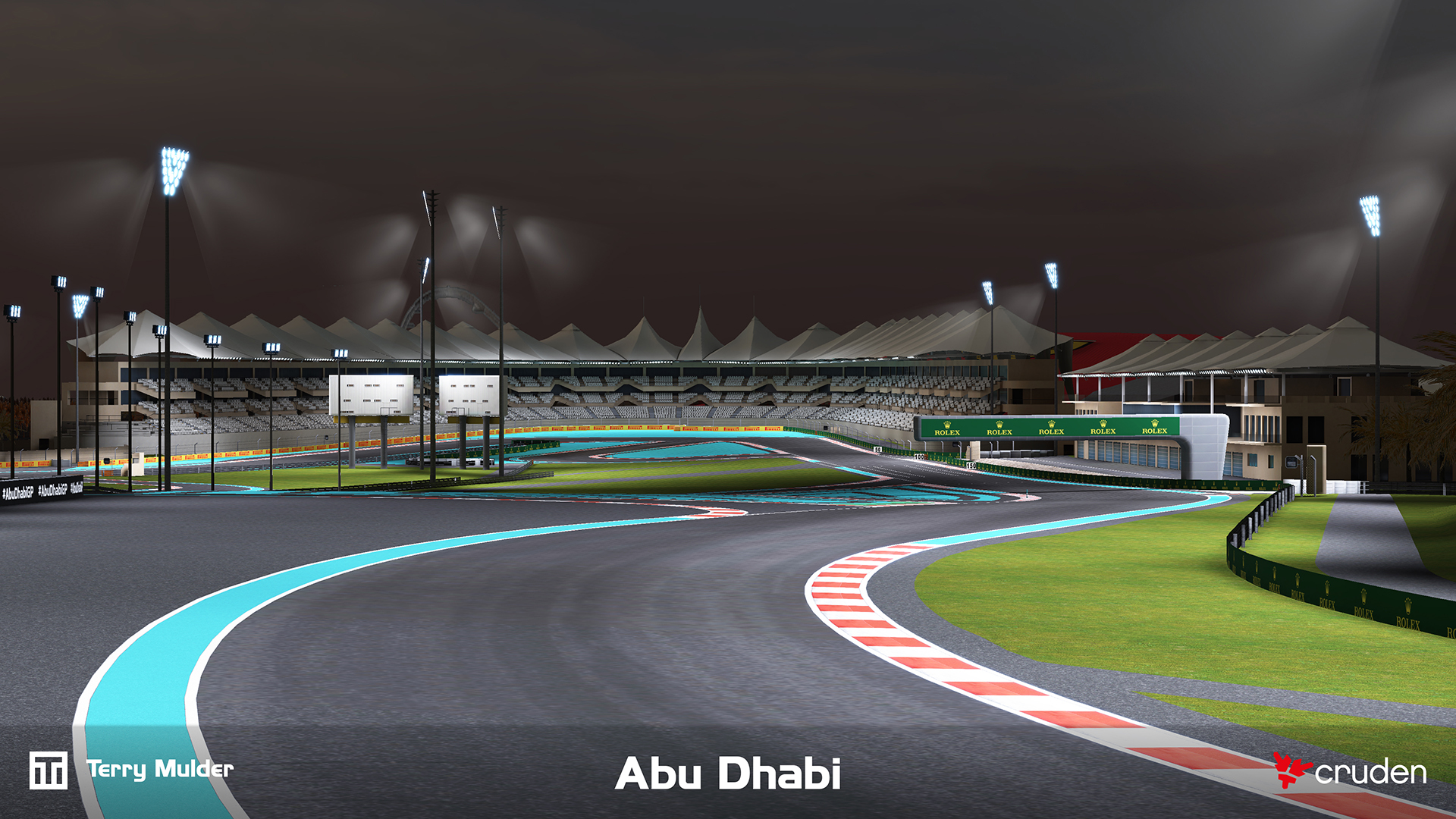
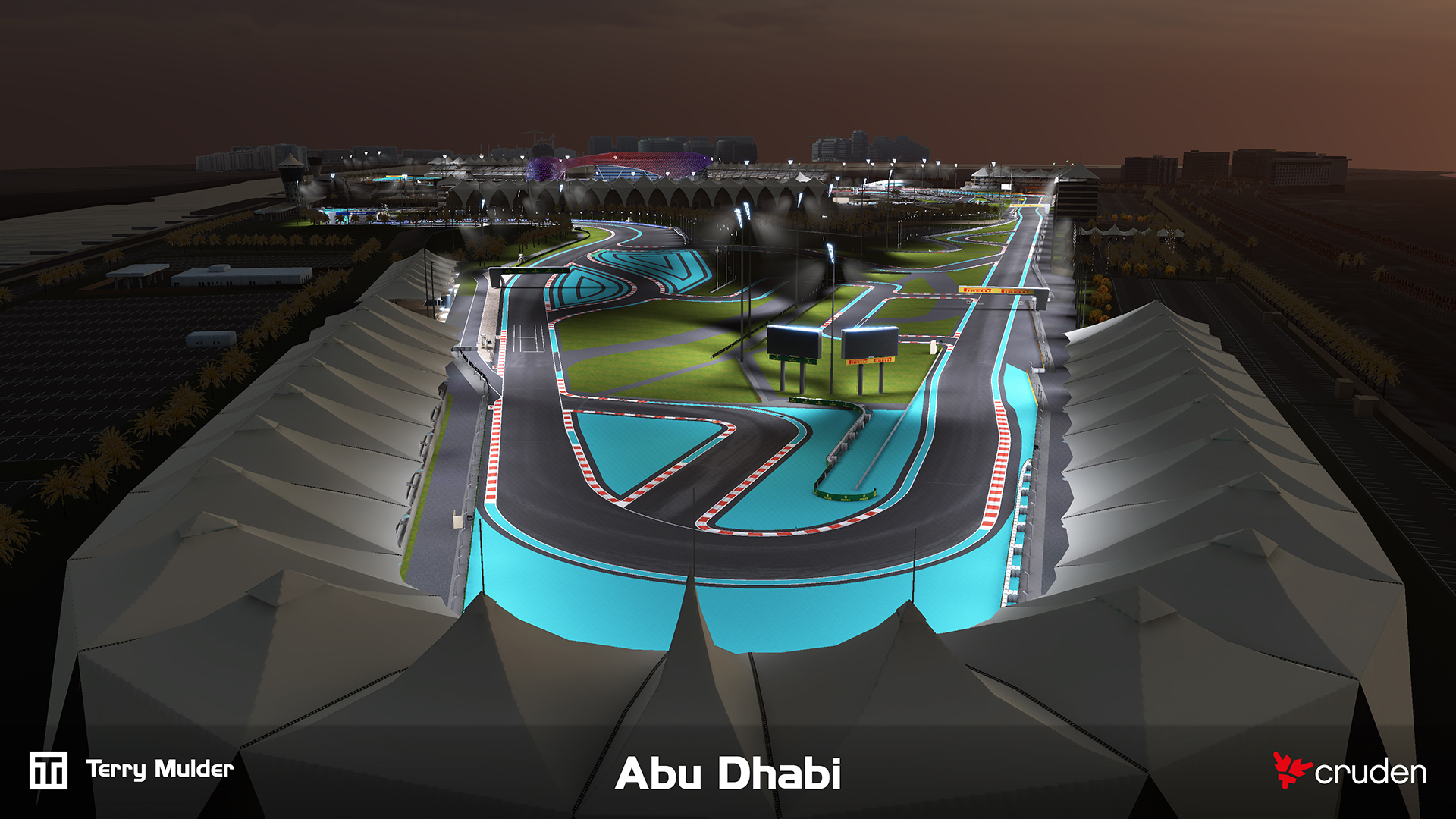
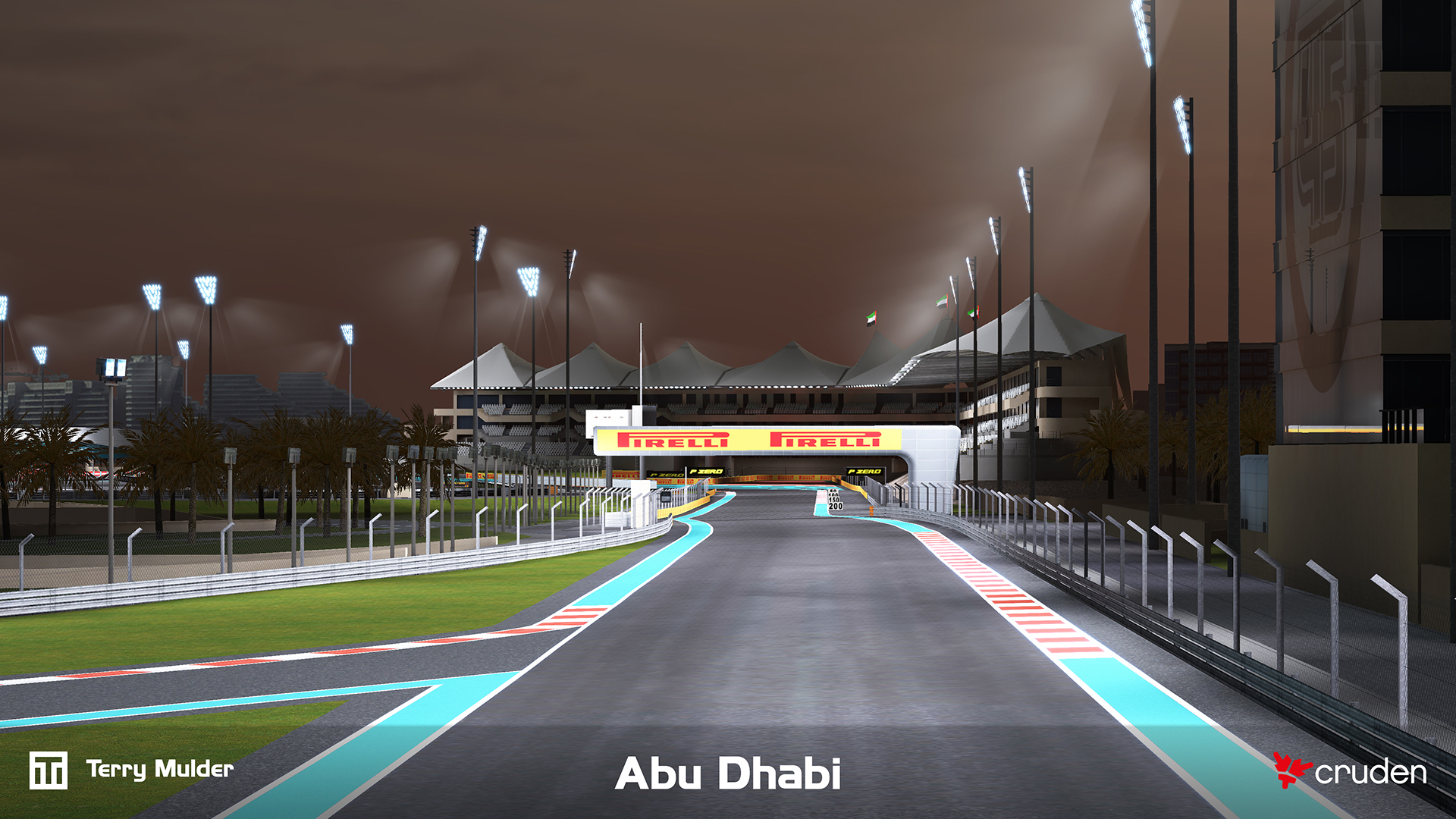
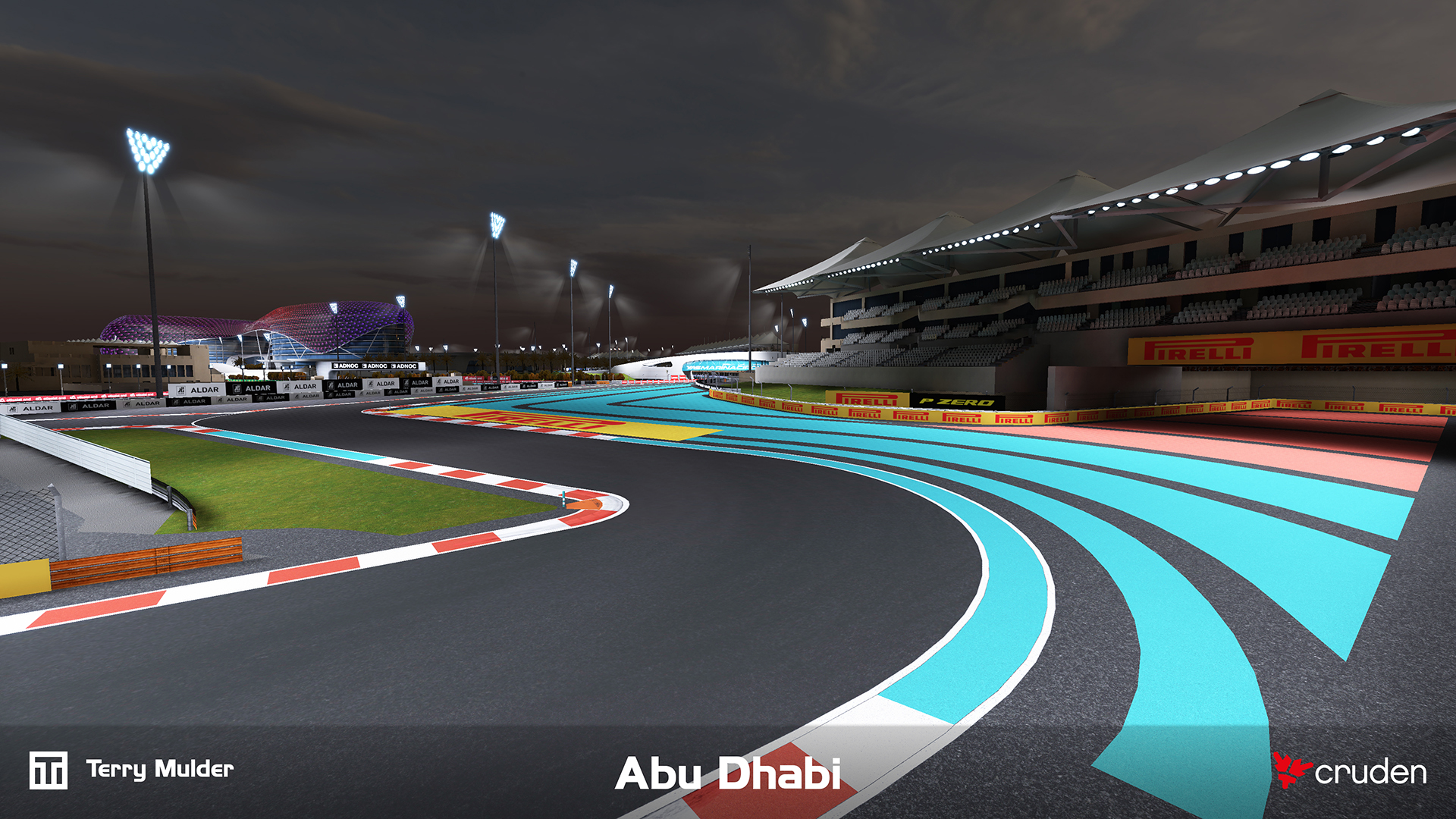
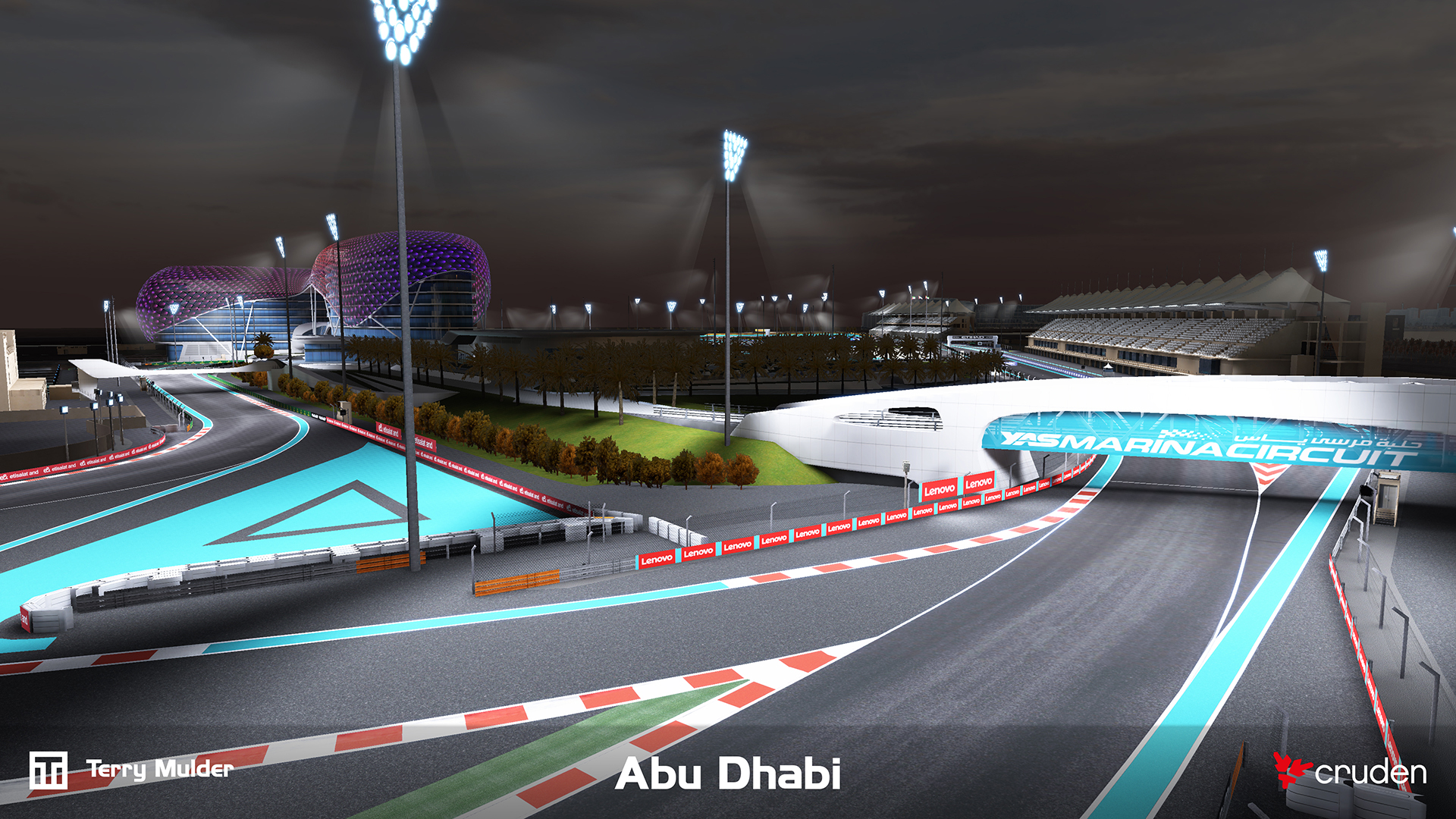
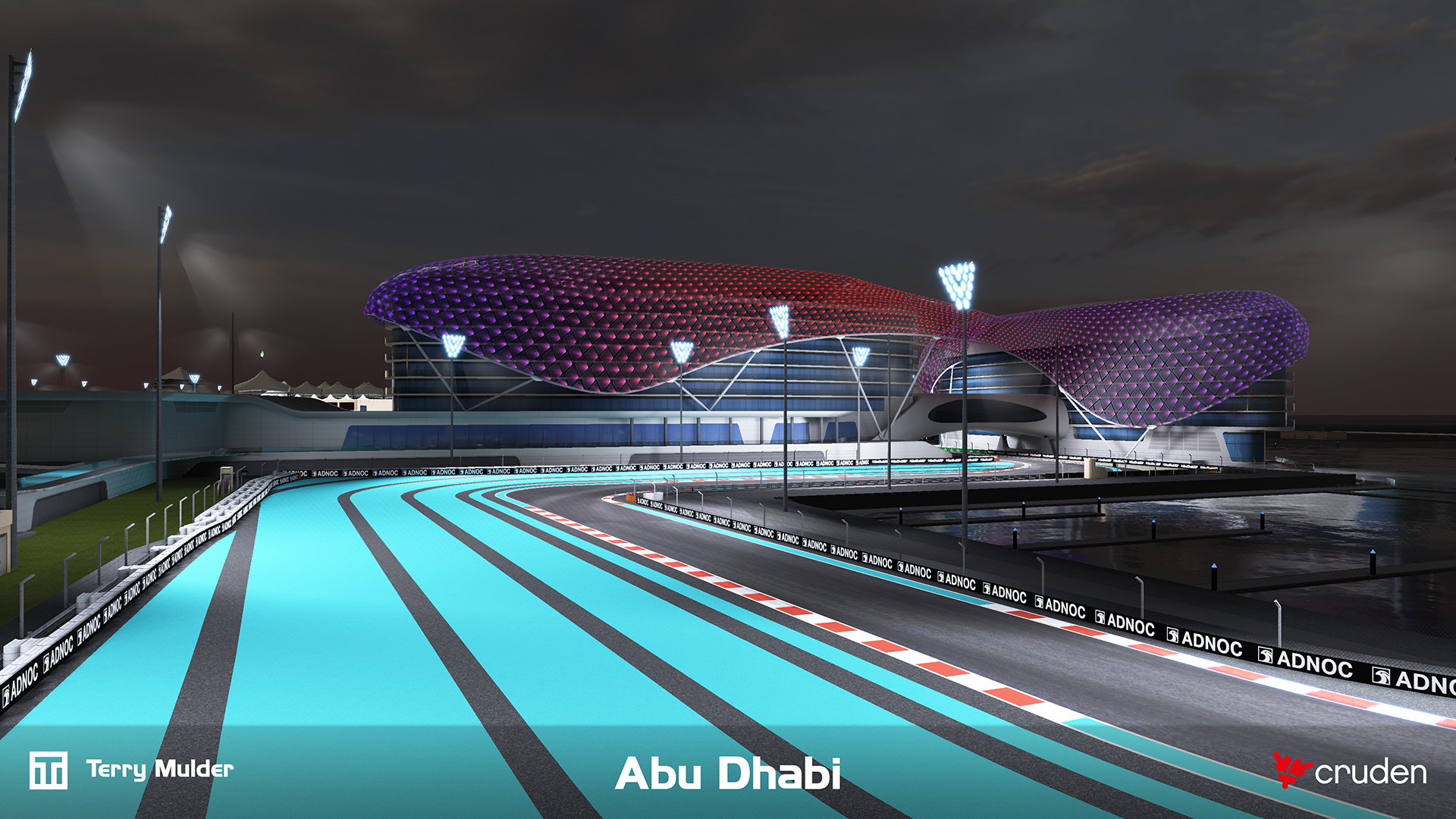
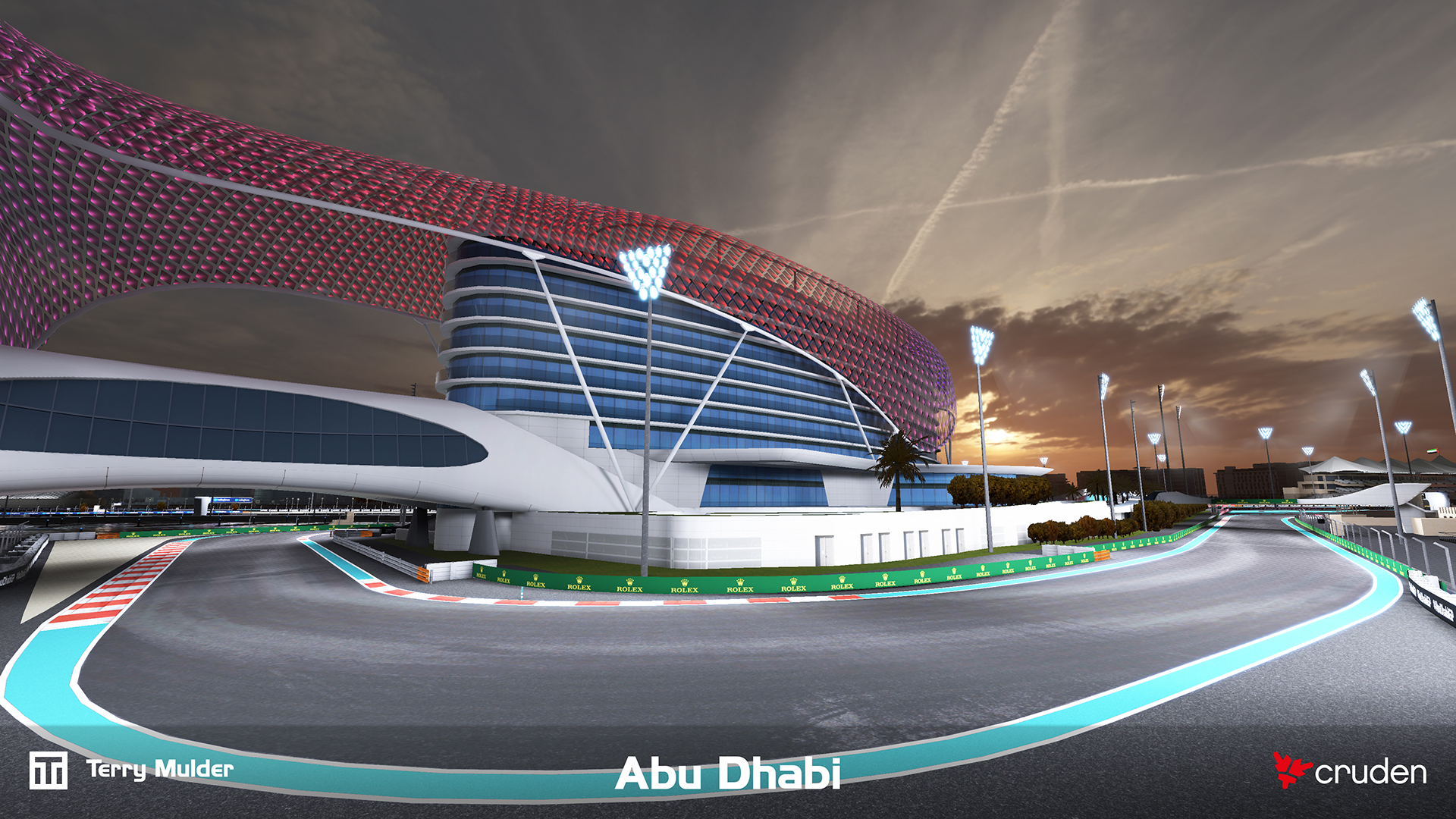
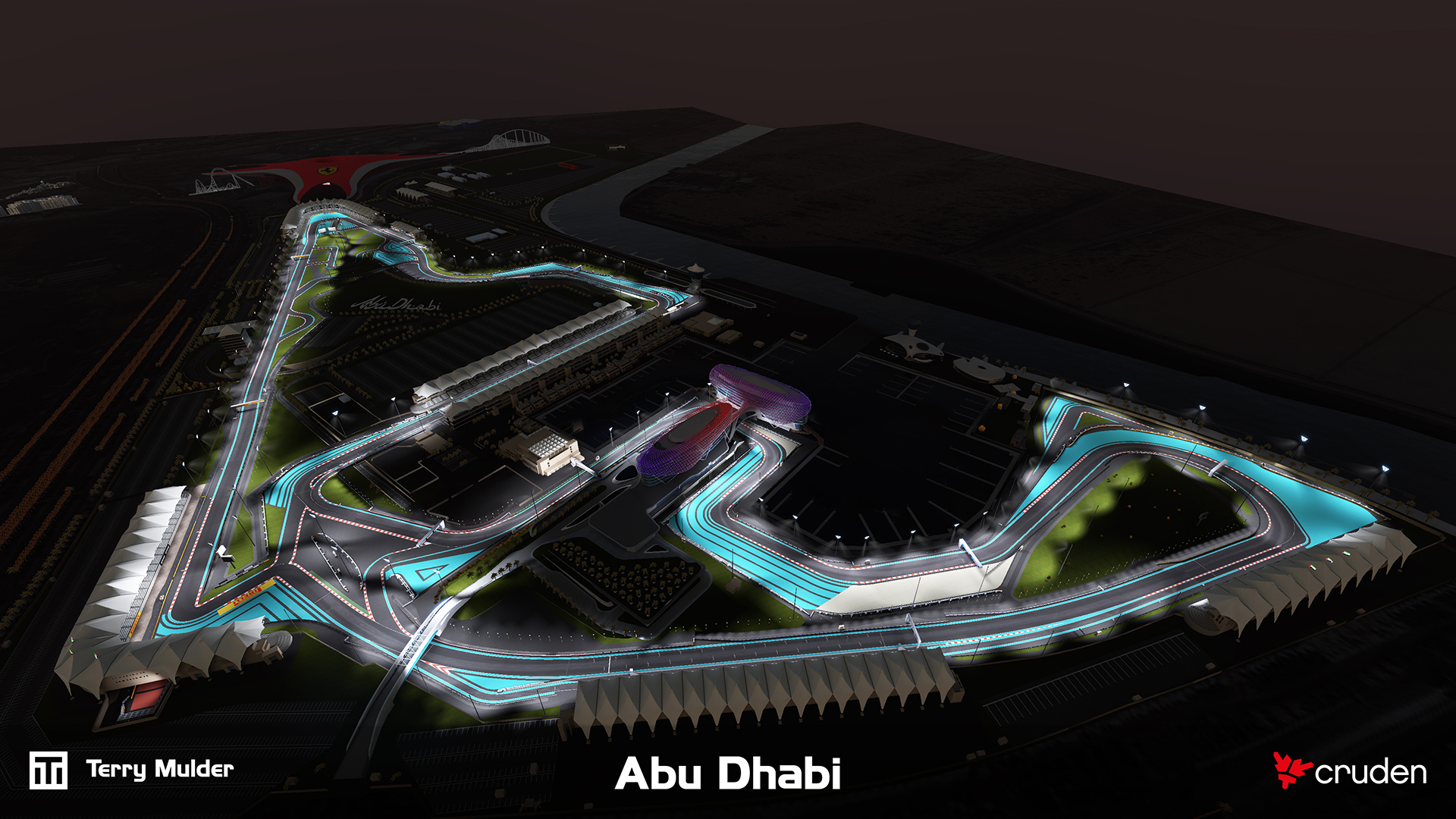
High accuracy 3D environment of the Abu Dhabi Formula 1 circuit developed for Cruden’s professional motorsport simulators.
Professional training and engineering simulators depend on tightly correlated visual and physical environments. The challenge was delivering a highly accurate track surface and surrounding environment in which LiDAR-derived geometry, visual cues and vehicle dynamics data align closely enough for simulator feedback to translate directly to real-world driving behaviour and engineering insight.
The track was initially developed for an entertainment focused installation at Ferrari World Abu Dhabi to be used on the 10 Cruden simulators of Scuderia Challenge. The track was based on CAD data and was developed parallel to the construction of the physical track.
The track was later upgraded for professional motorsport simulation. The drivable surface was completely overhauled to match the LiDAR dataset, to improve the overall accuracy.
The second iteration was built using LiDAR scan data, enabling a precise representation of the real-world circuit. This data is used not only for the visual environment but also feeds into vehicle models, ensuring subtle surface details and track nuances are reflected in the driving experience and perfectly correlated.
The environment is designed to meet the demands of high-performance, ultra-low-latency visualisation systems, including multi-monitor setups, projectors and modular LED walls running at up to 4K resolution and 120–240 Hz per image generator. Critical visual cues such as road, kerbs, brake markers, road markings, gantries and more are accurately placed to support professional training and simulation.
The final environment is deployed in a full motion training simulator for driver training, engineering validation and car development, meeting strict performance targets while maintaining high visual fidelity.


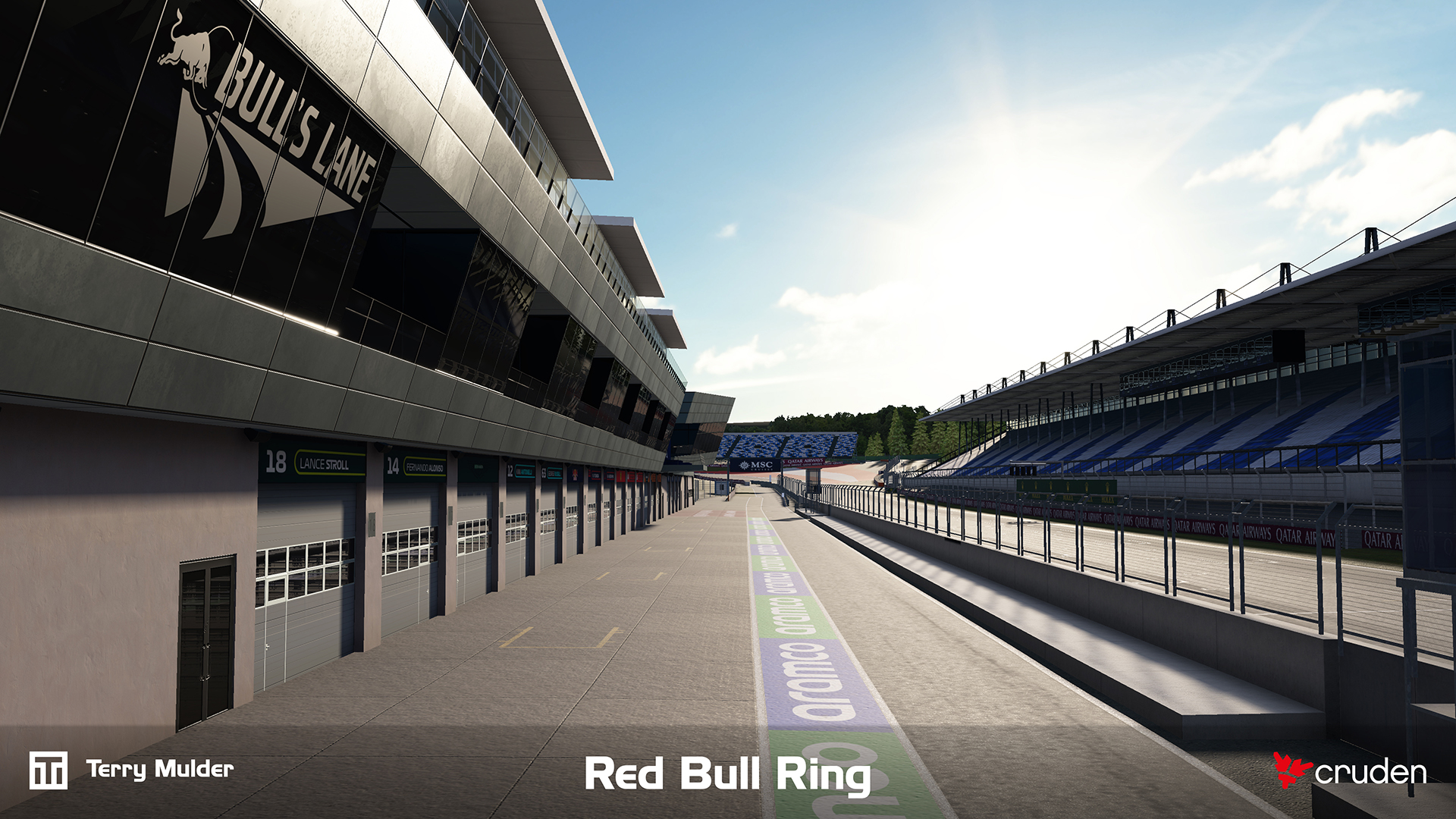
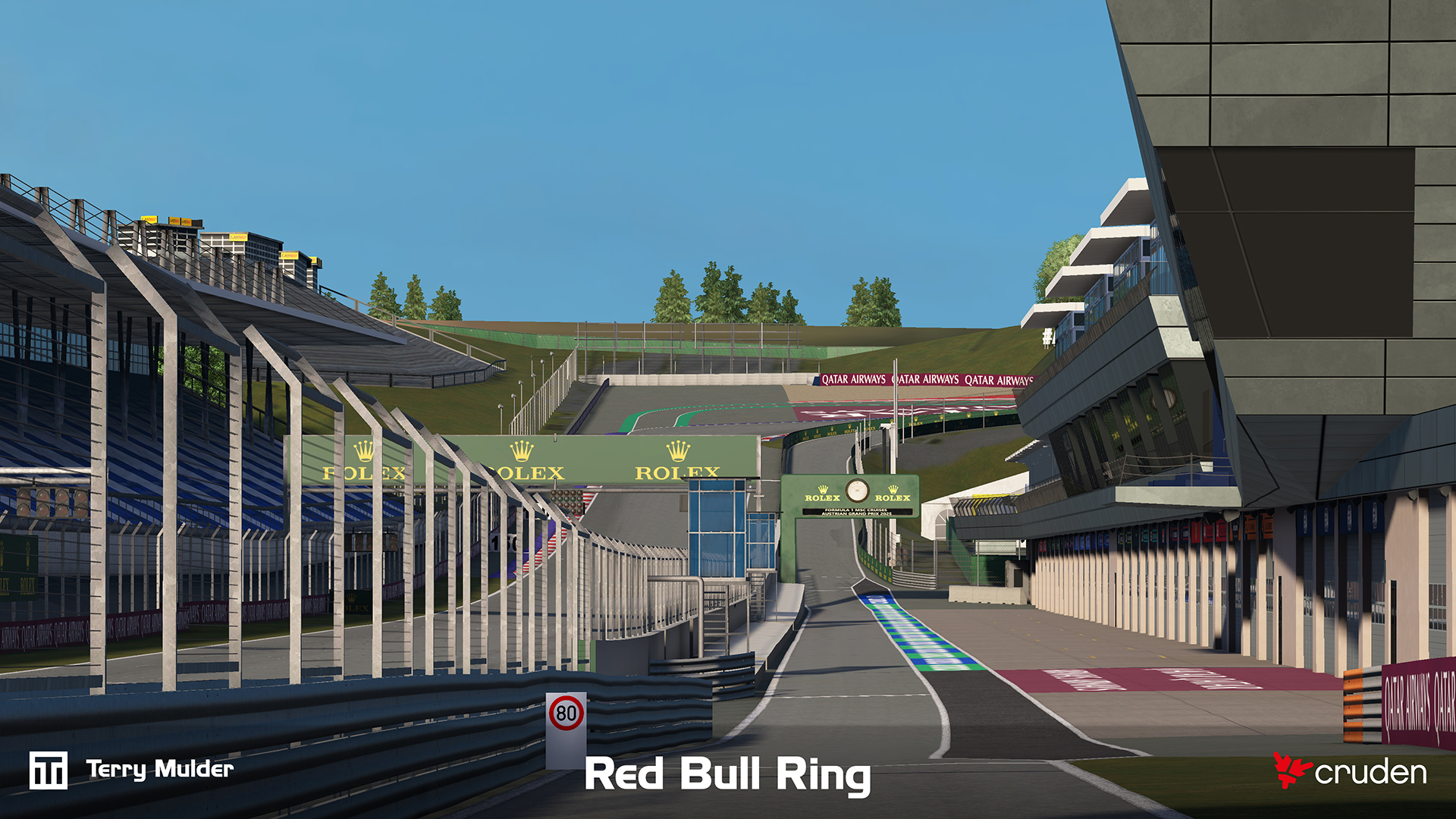
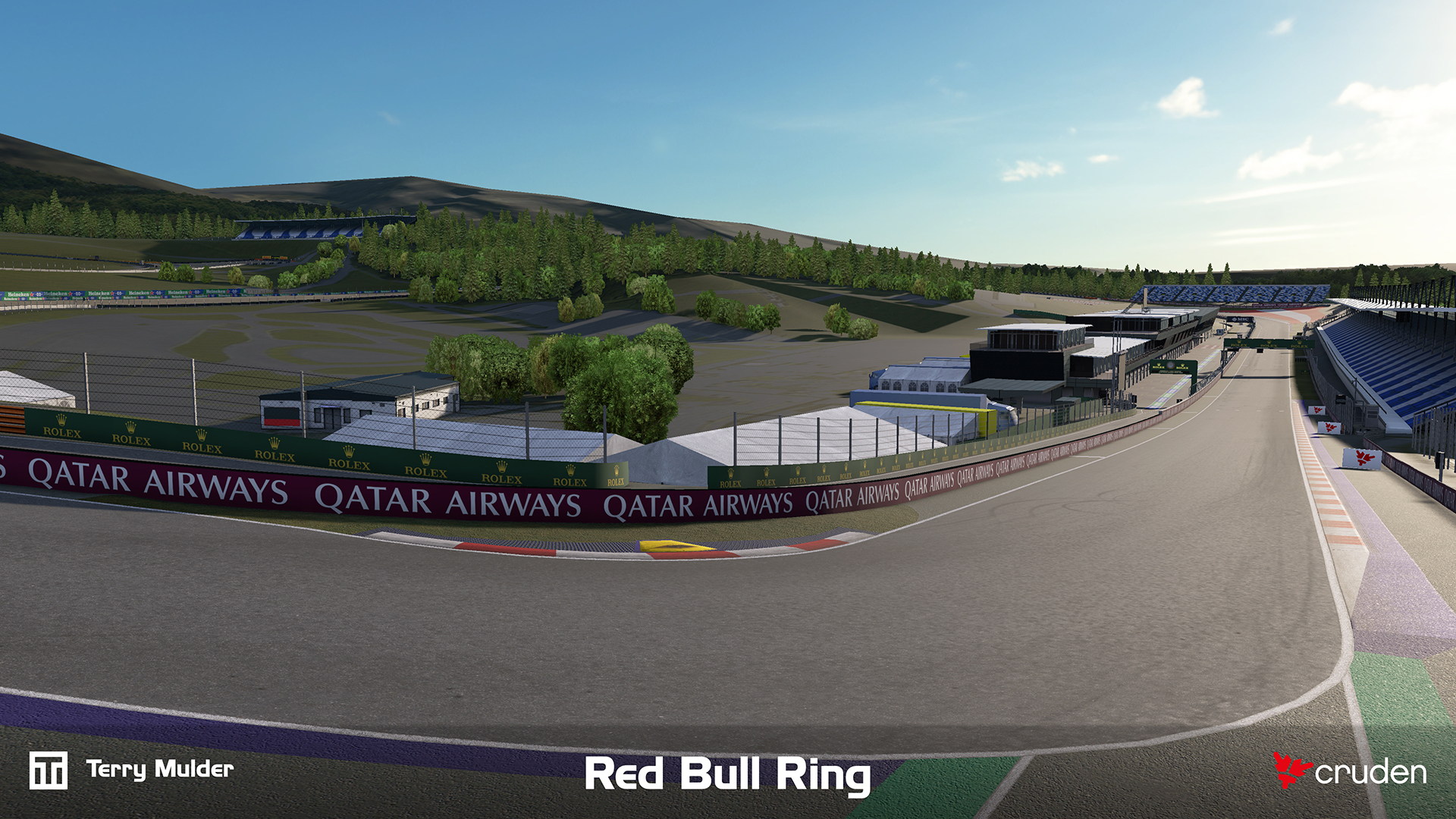
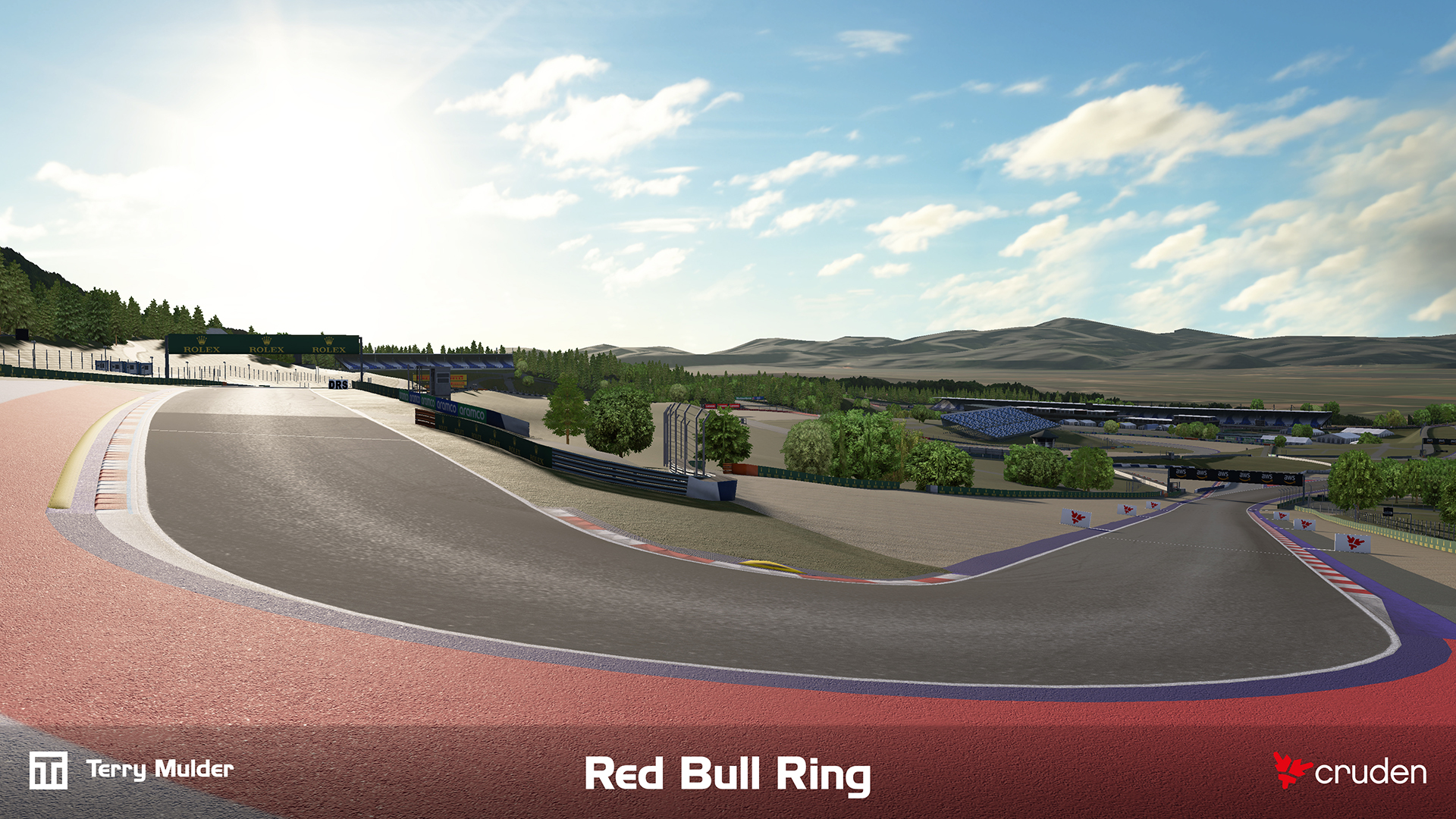
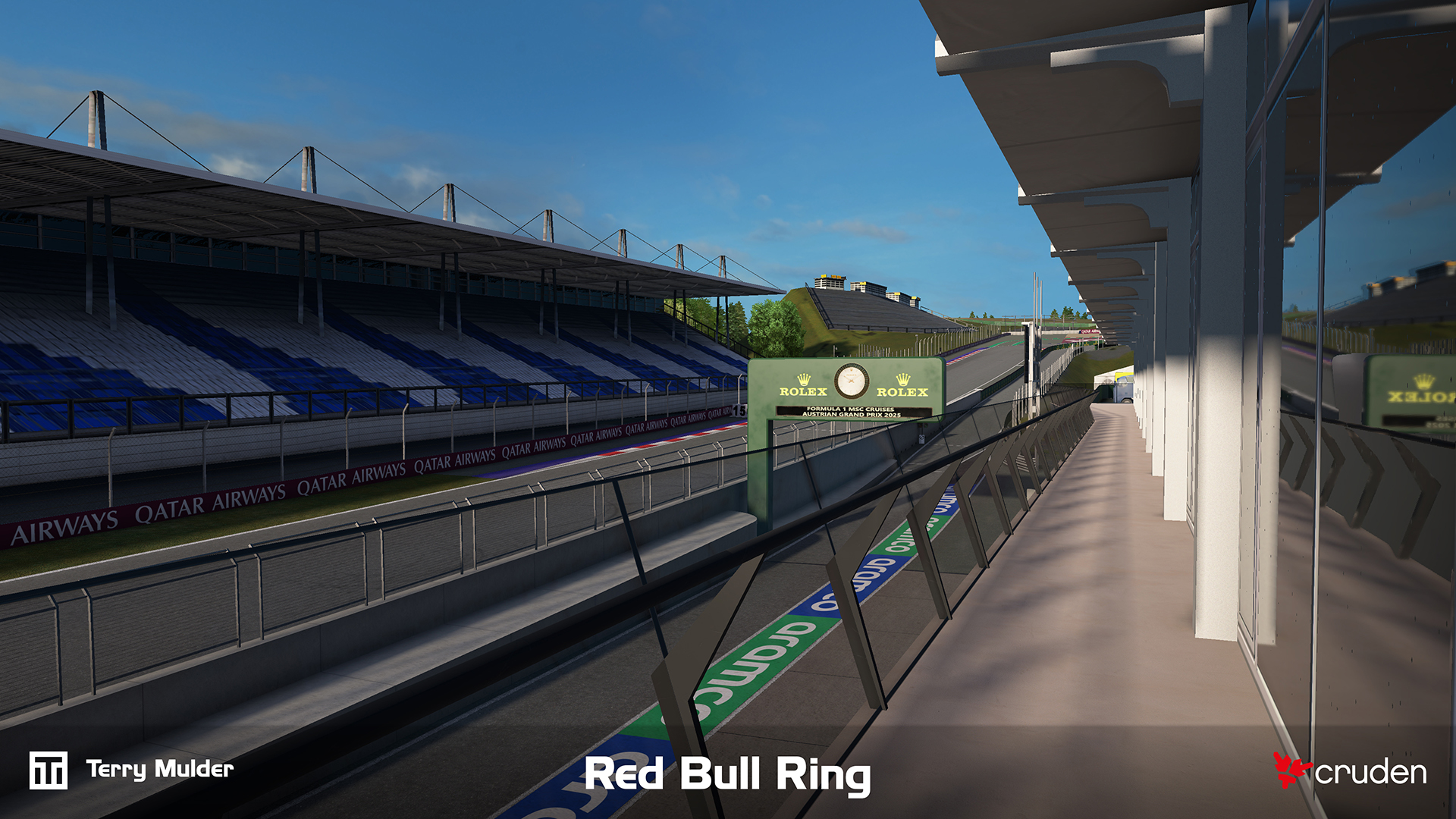
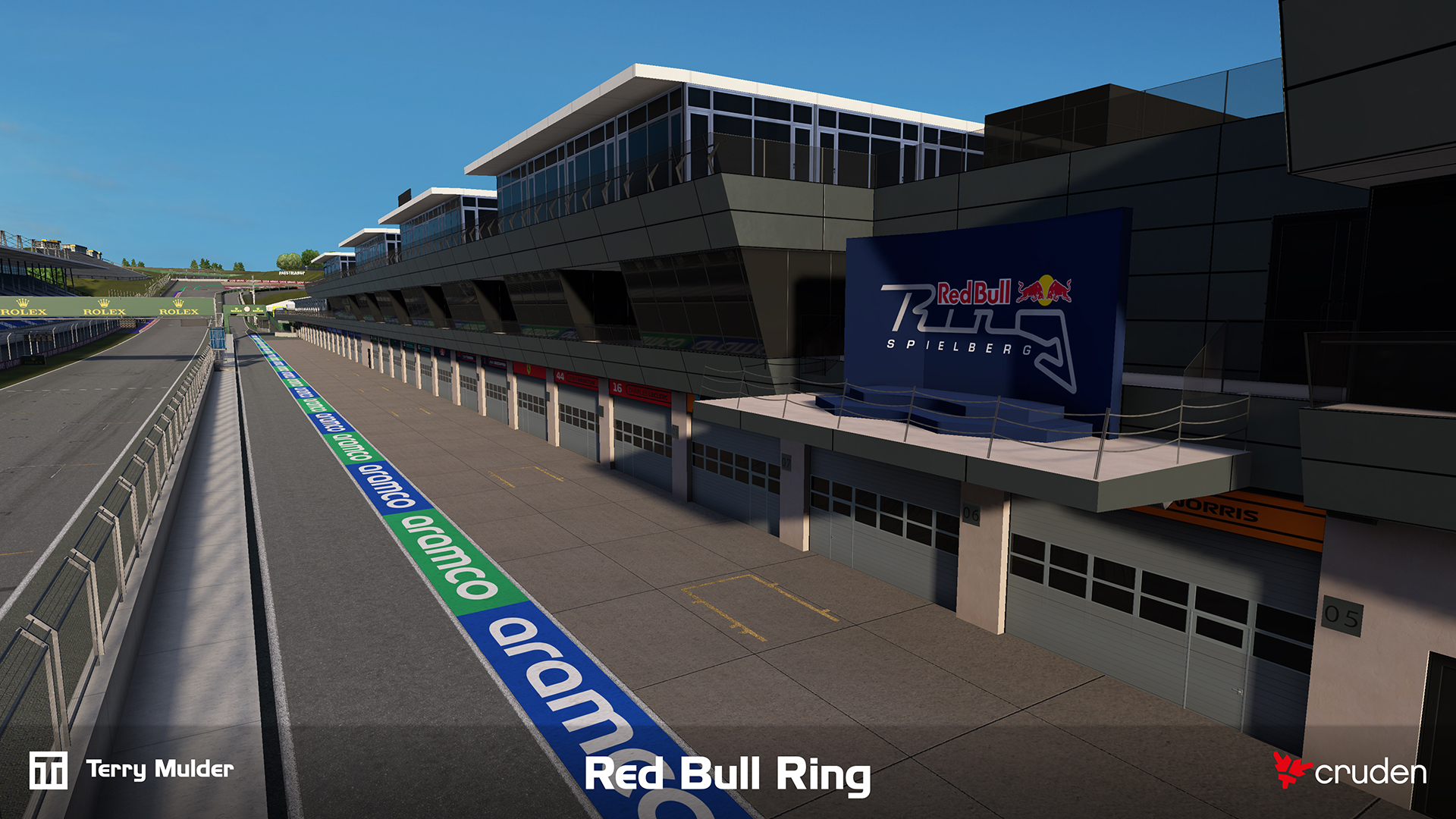
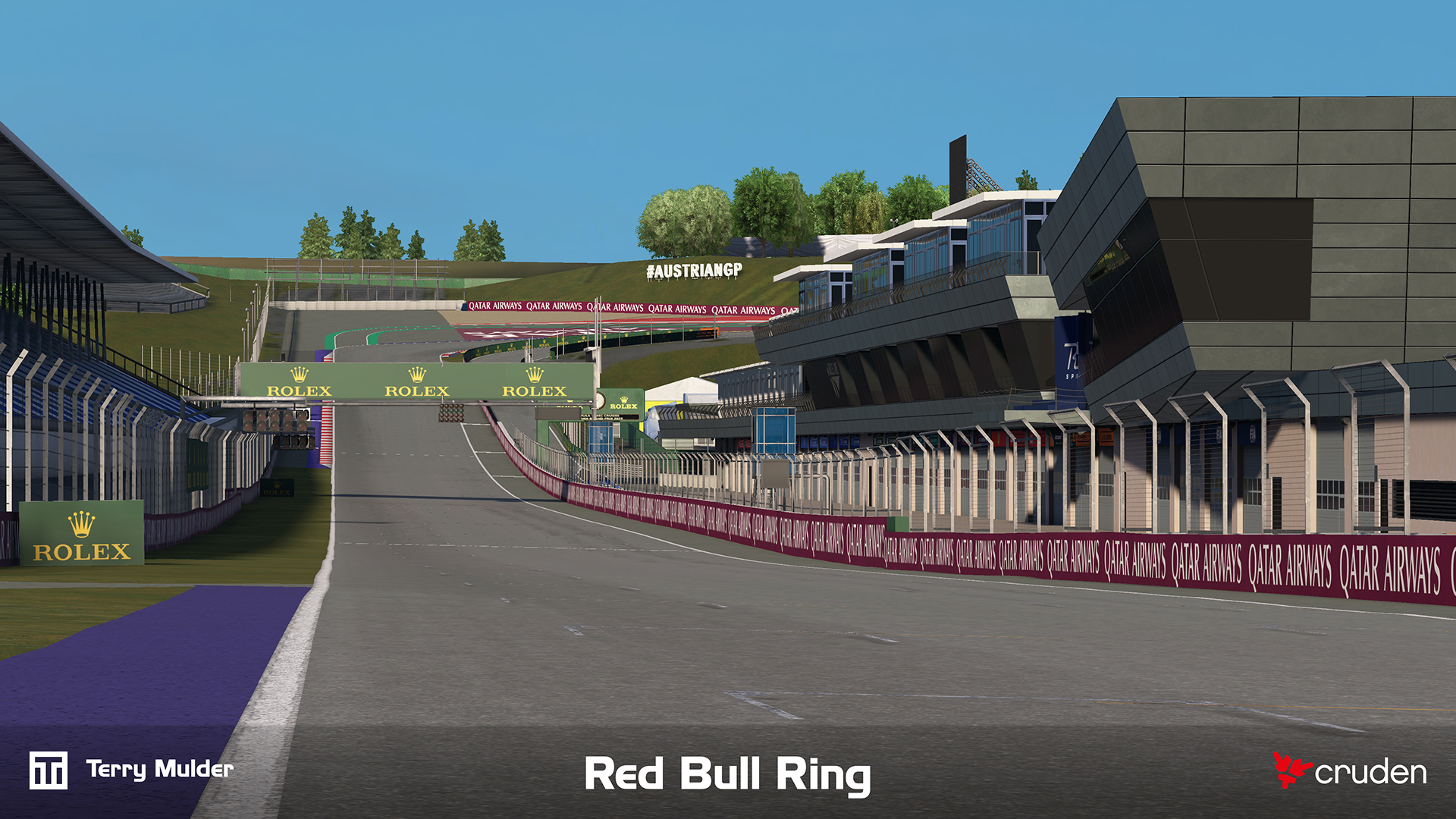
High accuracy 3D environment of the Red Bull Ring Formula 1 circuit developed for Cruden’s professional motorsport simulators.
Professional training and engineering simulators depend on tightly correlated visual and physical environments. The challenge was delivering a highly accurate track surface and surrounding environment in which LiDAR-derived geometry, visual cues and vehicle dynamics data align closely enough for simulator feedback to translate directly to real-world driving behaviour and engineering insight.
The track is built using LiDAR scan data, enabling a precise representation of the real-world circuit. This data is used not only for the visual environment but also feeds into vehicle models, ensuring subtle surface details and track nuances are reflected in the driving experience and perfectly correlated.
The environment is designed to meet the demands of high-performance, ultra-low-latency visualisation systems, including multi-monitor setups, projectors and modular LED walls running at up to 4K resolution and 120–240 Hz per image generator. Critical visual cues such as road, kerbs, brake markers, road markings, gantries and more are accurately placed to support professional training and simulation.
All aspects of the project were executed independently within a 7 week production window.
The final environment is deployed in a full-motion training simulator for driver training, engineering validation and car development, meeting strict performance targets while maintaining high visual fidelity.




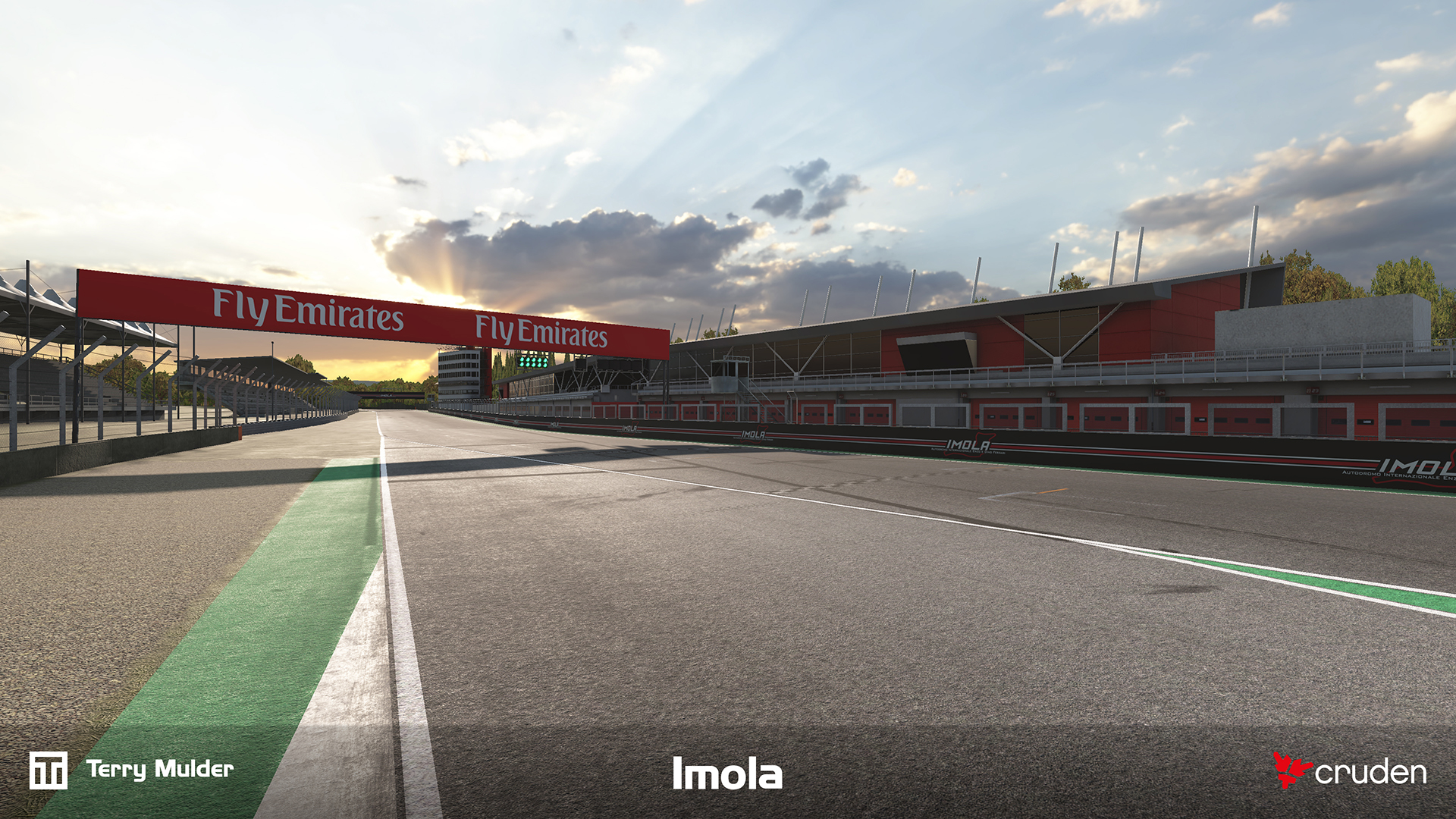
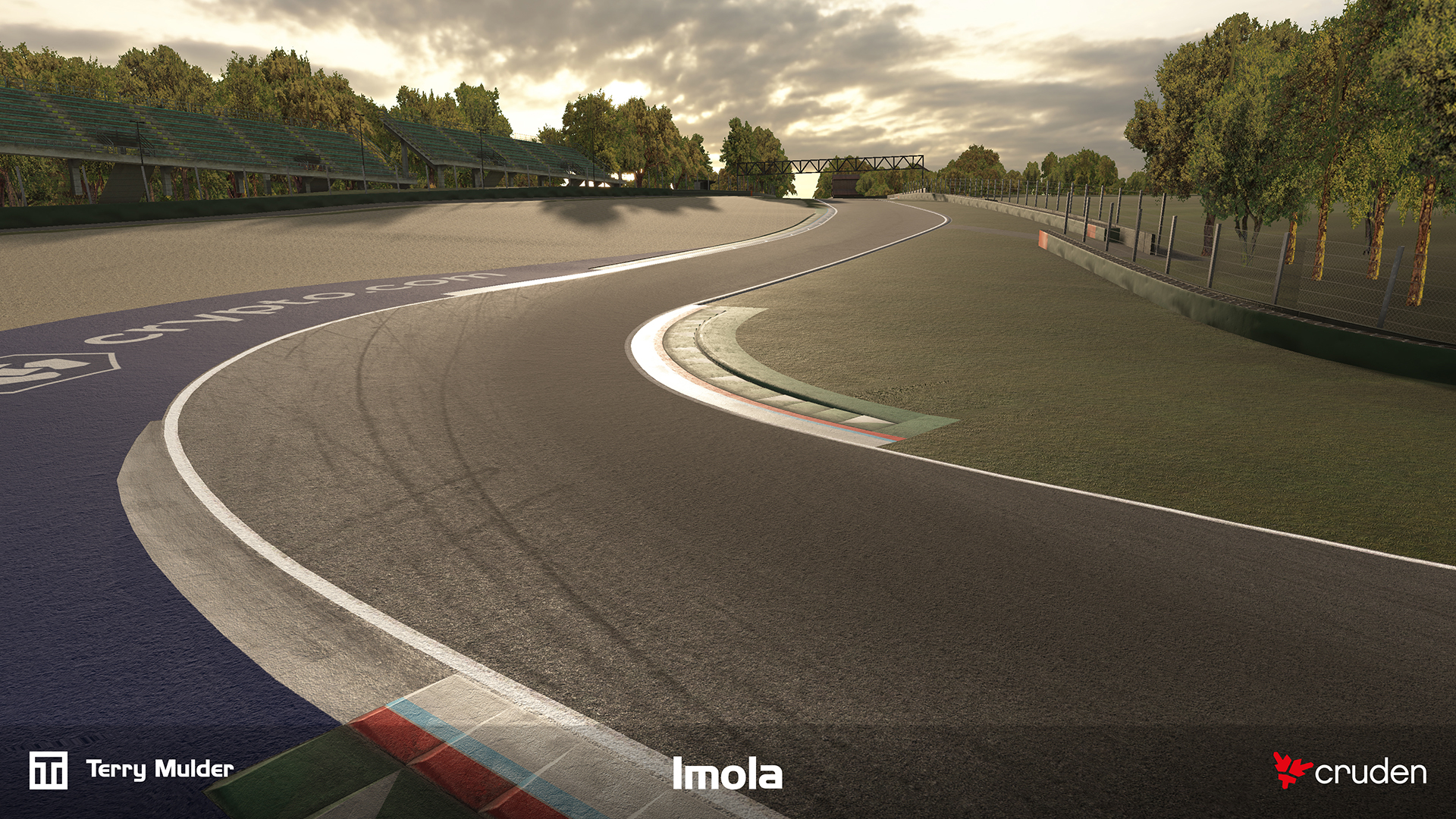
High accuracy 3D environment of the Imola Formula 1 circuit developed for Cruden’s professional motorsport simulators.
Professional training and engineering simulators depend on tightly correlated visual and physical environments. The challenge was delivering a highly accurate track surface and surrounding environment in which LiDAR-derived geometry, visual cues and vehicle dynamics data align closely enough for simulator feedback to translate directly to real-world driving behaviour and engineering insight.
The track is built using LiDAR scan data, enabling a precise representation of the real-world circuit. This data is used not only for the visual environment but also feeds into vehicle models, ensuring subtle surface details and track nuances are reflected in the driving experience and perfectly correlated.
The environment is designed to meet the demands of high-performance, ultra-low-latency visualisation systems, including multi-monitor setups, projectors and modular LED walls running at up to 4K resolution and 120–240 Hz per image generator. Critical visual cues such as road, kerbs, brake markers, road markings, gantries and more are accurately placed to support professional training and simulation.
All aspects of the project were executed independently within a 7 week production window.
The final environment is deployed in a full motion training simulator for driver training, engineering validation and car development, meeting strict performance targets while maintaining high visual fidelity.

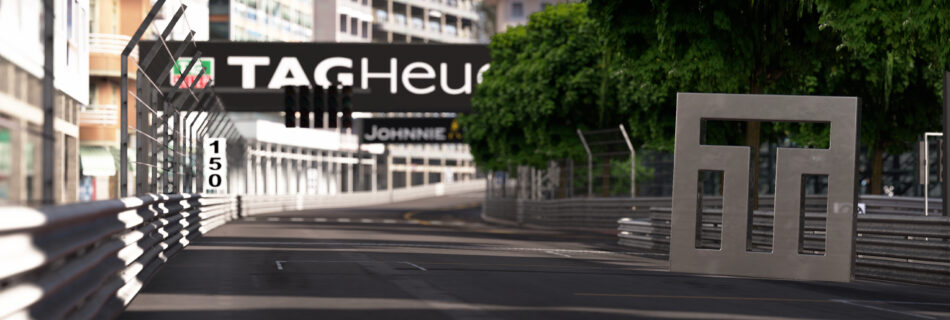
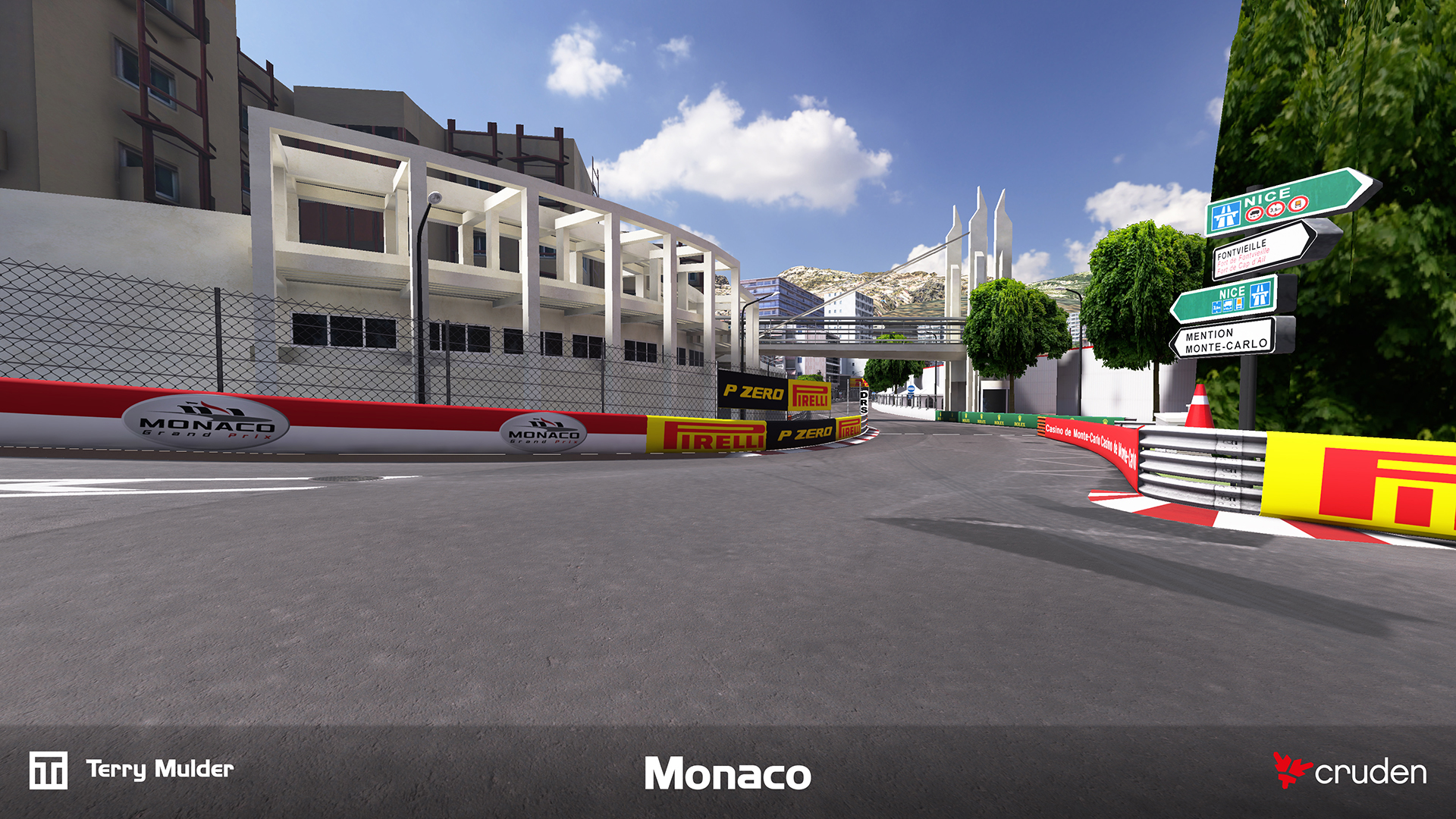
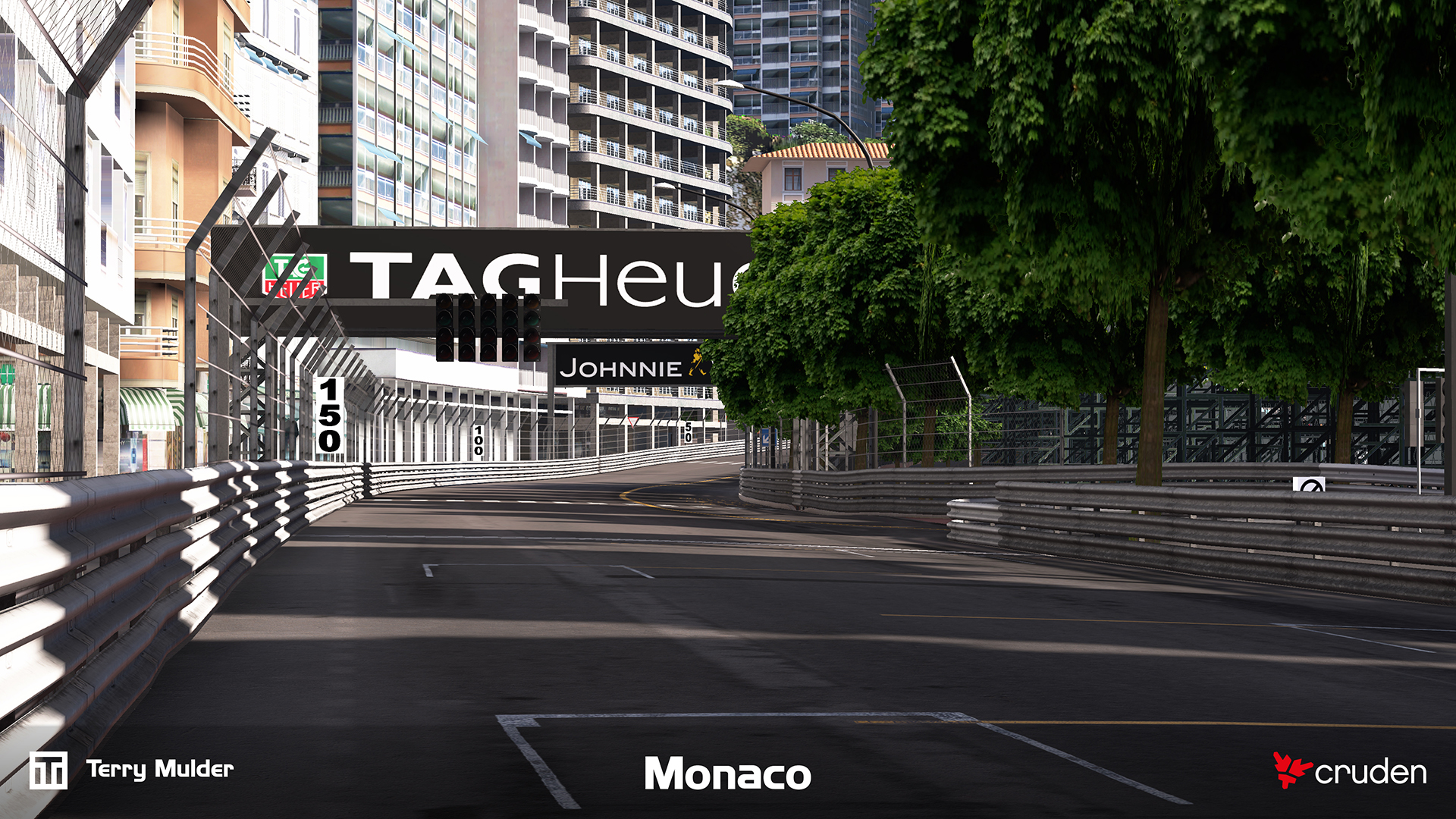
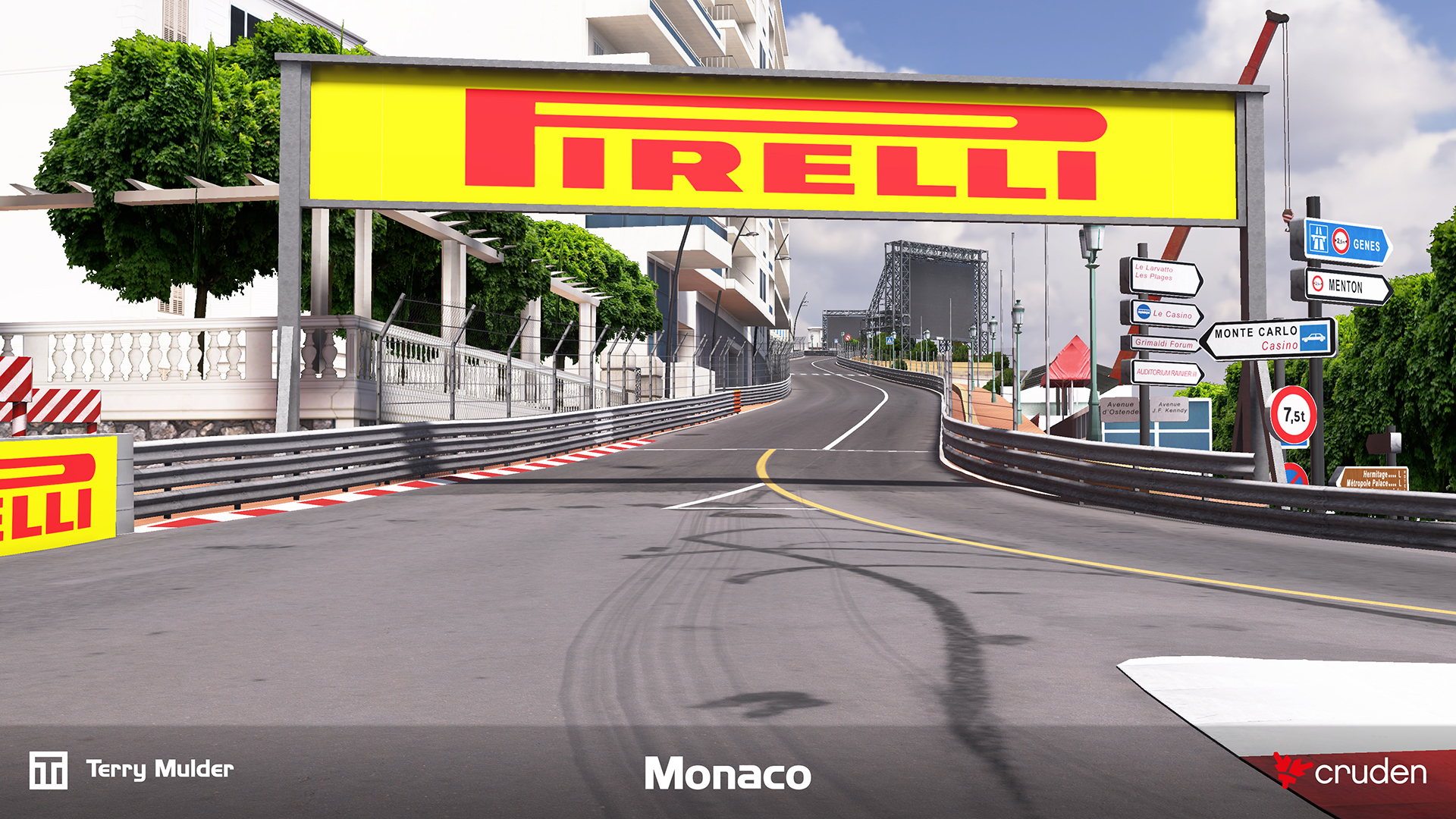


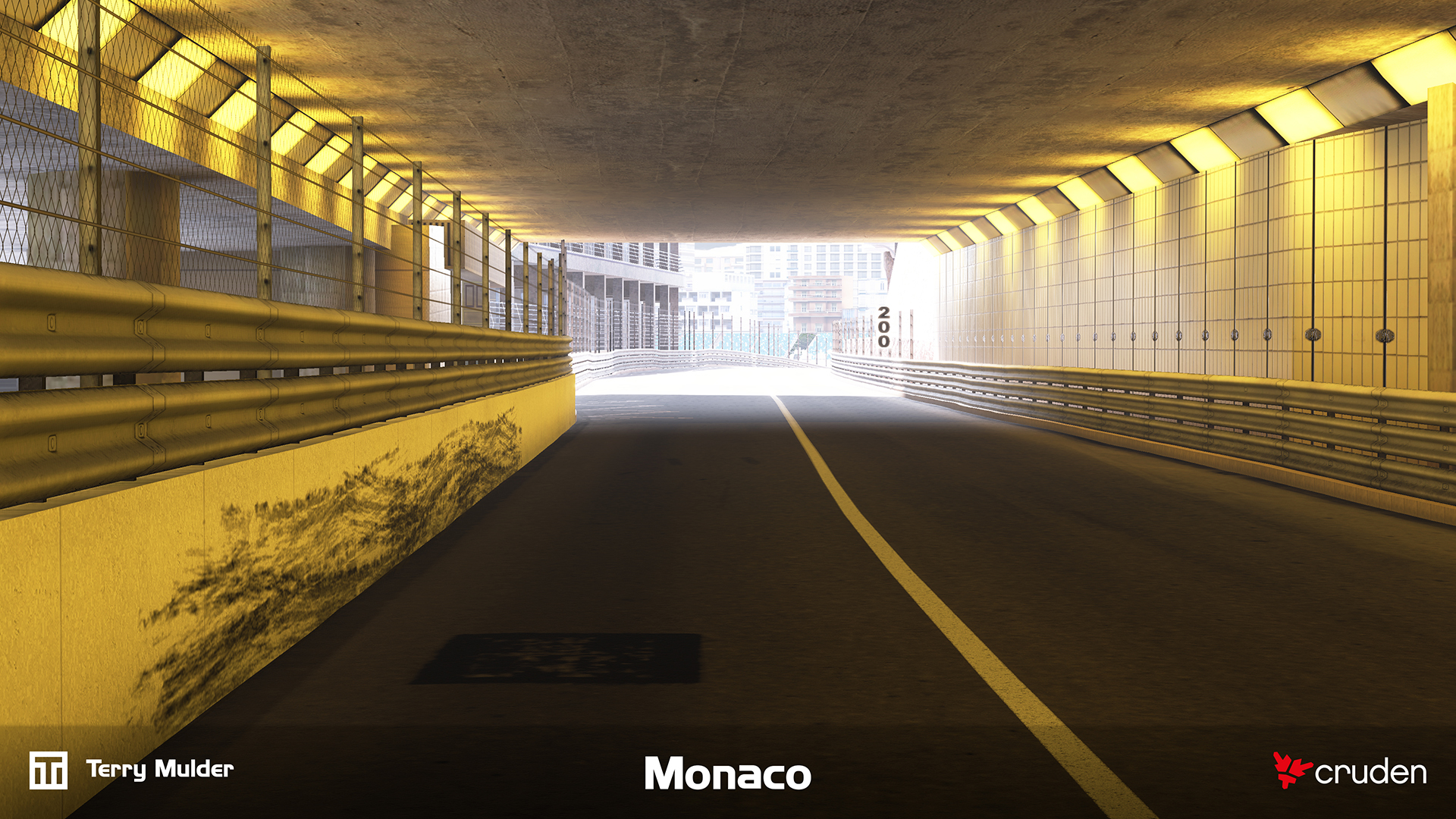
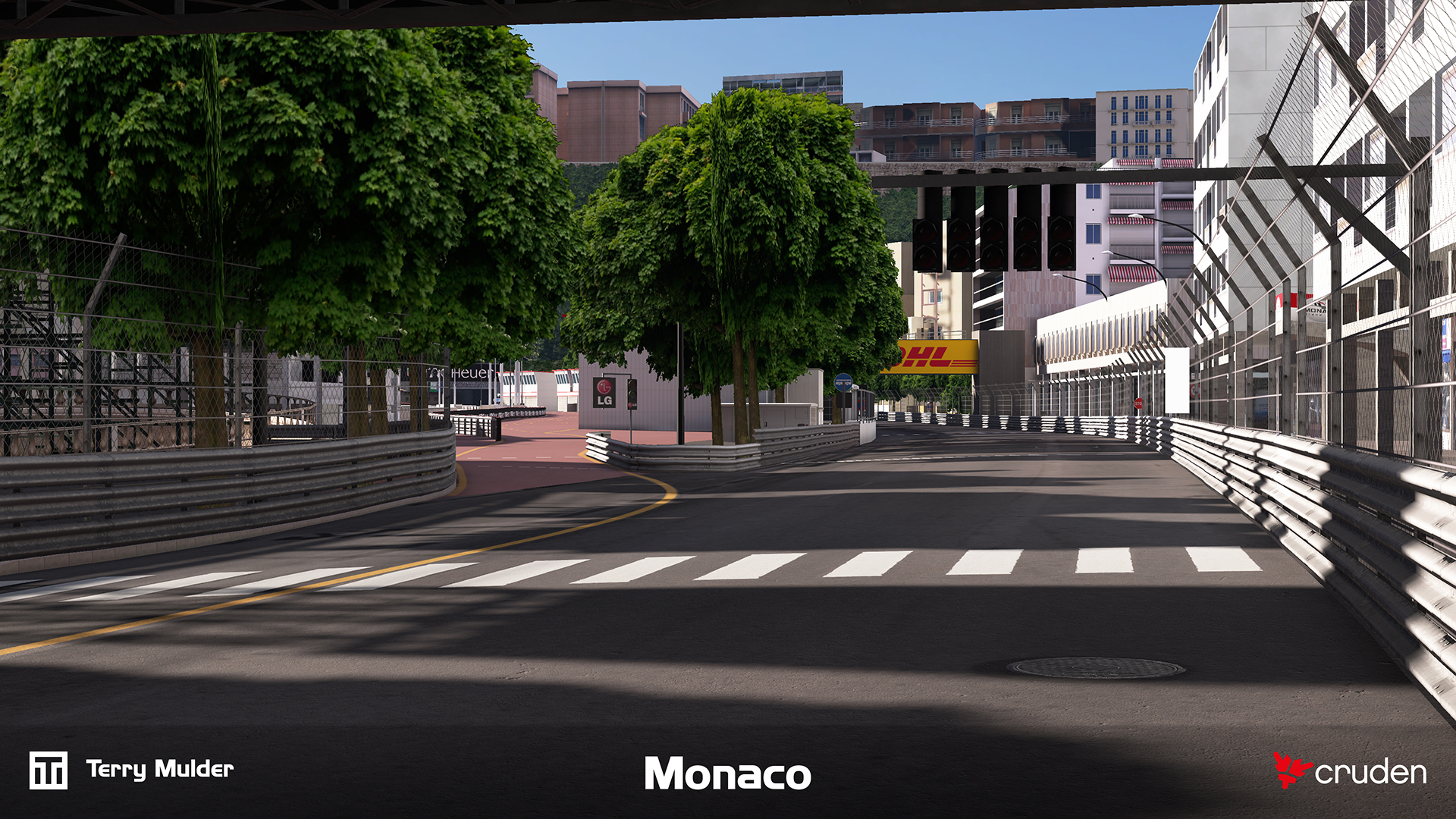
High accuracy 3D environment of the Monaco Formula 1 circuit developed for Cruden’s professional motorsport simulators.
Professional training and engineering simulators depend on tightly correlated visual and physical environments. The challenge was delivering a highly accurate track surface and surrounding environment in which LiDAR-derived geometry, visual cues and vehicle dynamics data align closely enough for simulator feedback to translate directly to real-world driving behaviour and engineering insight.
The track is built using LiDAR scan data, enabling a precise representation of the real-world circuit. This data is used not only for the visual environment but also feeds into vehicle models, ensuring subtle surface details and track nuances are reflected in the driving experience and perfectly correlated.
The environment is designed to meet the demands of high-performance, ultra-low-latency visualisation systems, including multi-monitor setups, projectors and modular LED walls running at up to 4K resolution and 120–240 Hz per image generator. Critical visual cues such as road, kerbs, brake markers, road markings, gantries and more are accurately placed to support professional training and simulation.
Development timelines are typically very condensed, often allowing only 6–7 weeks of production time based on the latest LiDAR data. In this case, the Monaco environment has been continuously refined over multiple years, steadily improving both accuracy and visual quality.
The final environment is deployed in a full-motion training simulator for driver training, engineering validation and car development, meeting strict performance targets while maintaining high visual fidelity.